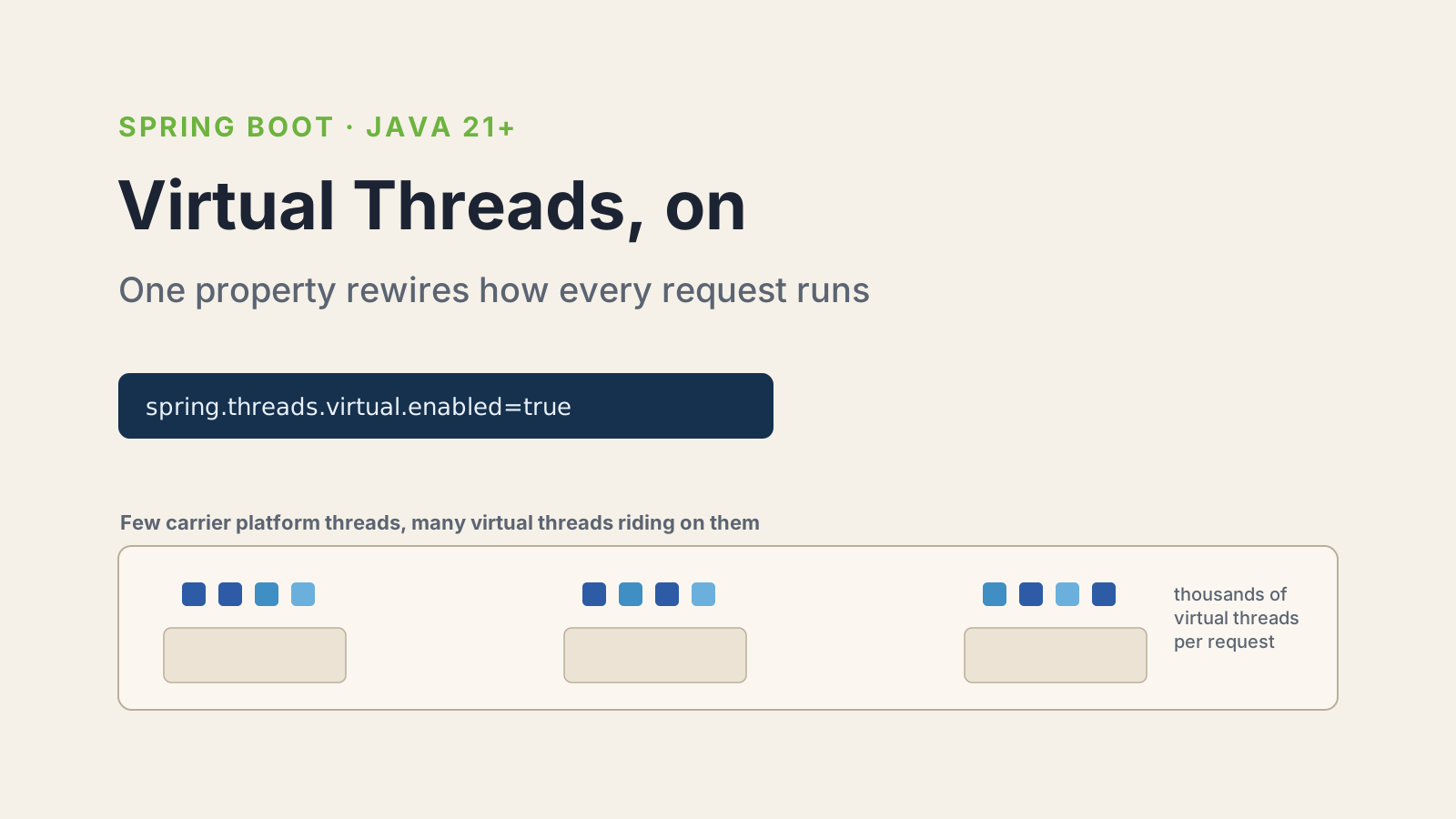

Enabling virtual threads in Spring Boot is genuinely one line. Set a property, run on Java 21, done. The flag is not where people get in trouble.
Where they get in trouble is thinking the flag is the whole story. It quietly rewires how your web server handles requests, which executor runs your @Async methods, and how your Kafka listeners get their threads. And it exposes a bottleneck that was always there but never mattered before. This is the guide I give teammates who are about to flip the switch in production. If you want the deeper theory on what virtual threads are and how Project Loom works, I covered that in my breakdown of virtual threads in Java 25. Here I am focused on the Spring Boot side: what turning them on actually does, and what bites you.
How do you enable virtual threads in Spring Boot?
You enable virtual threads in Spring Boot by setting spring.threads.virtual.enabled=true and running on Java 21 or later. That is the entire setup.
In application.properties:
spring.threads.virtual.enabled=trueOr in application.yml:
spring:
  threads:
    virtual:
enabled: trueThis property has been available since Spring Boot 3.2, released in December 2023, and it carries forward unchanged into Spring Boot 4.x. The only hard requirement beyond the property is the runtime: virtual threads are a Java 21 feature, so on Java 17 or 20 the property does nothing useful.
I always pair it with an explicit check that the app is actually on 21+. A quick way is to log Runtime.version() at startup, or fail fast in a @PostConstruct if the major version is below 21. Silent no-ops are worse than crashes.
What does spring.threads.virtual.enabled actually turn on?
The property flips several auto-configurations at once, not just the web server. Understanding the full set is the difference between "I enabled virtual threads" and "I know where my code runs now."
Here is what Spring Boot wires up when the flag is on and you are on Java 21+:
- Web request handling. Tomcat and Jetty use virtual threads to process requests, so your controller methods run on a virtual thread per request instead of a pooled platform thread.
- The application task executor. The
applicationTaskExecutorbean becomes aSimpleAsyncTaskExecutorthat starts a new virtual thread per task. This is what backs@Asyncmethods, Spring MVC async request processing, and WebFlux blocking execution support. - The task scheduler. Scheduling is backed by a
SimpleAsyncTaskScheduleron virtual threads, and it ignores pool-size properties because there is no pool to size. - Messaging listeners. RabbitMQ and Kafka listener containers get virtual thread executors auto-configured.
- Data access helpers. Spring Data Redis'
ClusterCommandExecutorruns on virtual threads.
The takeaway: this one property changes the execution model across the whole app, not just HTTP. If you have custom Executor beans wired by hand, they are not touched. Spring only swaps the executors it owns. So an app that defines its own ThreadPoolTaskExecutor for @Async keeps using platform threads there until you change it yourself.
Why is the database connection pool the real bottleneck?
Because virtual threads remove the thread limit but not the connection limit, so your JDBC pool becomes the ceiling the moment threads stop being scarce. This is the single most important thing to understand before enabling them.
The old model looked like this. Tomcat had 200 platform threads. Each request grabbed a thread, and if the thread pool was full, new requests queued. The thread pool was your concurrency limit, and it was usually smaller than your connection pool, so the pool rarely ran dry.
Flip on virtual threads and that changes. Now you can have 10,000 requests in flight, each on its own cheap virtual thread. But HikariCP still defaults to 10 database connections. So 10 requests run their query and the other 9,990 block waiting for a connection. You did not remove the wait. You moved it from "waiting for a thread" to "waiting for a connection," and the second one is easier to miss because everything looks healthy until latency spikes.
# Virtual threads let you accept far more concurrent requests.
spring.threads.virtual.enabled=true

# So the connection pool is now your real concurrency limit.
# Size it against your database's capacity, not your request rate.
spring.datasource.hikari.maximum-pool-size=50There is no magic number here. The right pool size is bounded by what your database can handle, and adding virtual threads does not change that. What changes is that the pool, not the thread count, is now the thing you tune. I have seen teams enable virtual threads, see no improvement, and conclude the feature is overhyped. The feature was fine. Their 10-connection pool was the wall.
What is thread pinning and when should you worry about it?
Thread pinning is when a virtual thread cannot unmount from its carrier platform thread during a blocking call, which cancels the scalability benefit for that operation. It used to be a real concern with synchronized, and it is mostly gone now.
On Java 21 through 23, a virtual thread that blocks inside a synchronized block stays pinned to its carrier thread. If that block wraps an I/O call, like a database query guarded by a synchronized method, you lose the whole point: the carrier thread is stuck, and you are back to a bounded number of real threads.
Java 24 fixed this. JEP 491 reworked synchronization so virtual threads no longer pin on synchronized, which removes the most common pinning source for most apps. So the advice depends on your runtime:
- Java 24+: pinning from
synchronizedis no longer a concern. You can mostly stop worrying about it. - Java 21 to 23: audit hot paths for
synchronizedaround blocking I/O. Swap those specific locks toReentrantLock, which lets the virtual thread unmount cleanly.
You do not need to rip out every synchronized in your codebase. A lock held for a quick in-memory update does not pin in any way that matters. The one to hunt for is a lock held across a network or disk call. To find them, run with -Djdk.tracePinnedThreads=full on Java 21 to 23 and watch the logs under load.
When should you not enable virtual threads?
Skip virtual threads when your workload is CPU-bound, because they solve a blocking problem, not a compute problem. This is the clearest "no."
Virtual threads shine when threads spend most of their time waiting: database calls, HTTP calls to other services, file I/O. If your service does heavy computation, image processing, large in-memory transforms, number crunching, virtual threads add nothing. You still have the same number of CPU cores, and a virtual thread doing math occupies a carrier thread the whole time just like a platform thread would. For that work, a sized ThreadPoolTaskExecutor matched to your core count is still the right tool.
A few other cases where I hold off:
- Heavy
ThreadLocalusage. Each virtual thread carries its ownThreadLocalvalues. With millions of threads, a fatThreadLocalcache turns into a memory problem. Audit what you stash there before scaling thread counts way up. - Third-party libraries with internal thread pools. Enabling the Spring property does not change a library that manages its own executor. Check that your critical dependencies are Loom-friendly, not fighting it.
- You have not measured. If you do not know that thread starvation is your bottleneck, enabling virtual threads is a guess. Load test first, find the actual limit, then decide.
Enabling virtual threads in Spring Boot is not a performance cheat code, and treating it like one is how you end up disappointed. It is a scalability tool for I/O-bound concurrency, and it pays off exactly when blocked threads were what held you back. Flip the property, then go re-tune your connection pool and re-run your load test. That second step is where the actual throughput lives.
For the official details, see the Spring Boot task execution and scheduling reference and the Spring Boot 3.2 release notes where the property was introduced.
Keep Reading
- Virtual Threads in Java 25: The Complete Guide. The language-level deep dive on how virtual threads and Project Loom work under the hood.
- Modern Java with Spring Boot. How the newer Java features fit into a real Spring Boot service.