
If you're a Java developer, you know the pain. You get a massive JSON response from an API, and now you have to spend the next 20 minutes creating a matching Java class. You have to type out private fields, generate getters and setters, maybe add toString methods, and then realize you made a typo in one of the field names so the mapping fails.
It's boring, repetitive work. And honestly, we have better things to do.
That's why I built JSON to DTO – a simple, no-nonsense tool to instantly convert JSON into production-ready Java code.
Check it out here: https://www.rabinarayanpatra.com/tools/json-to-dto/
Why did I build a JSON to DTO converter?
I was working on a project that involved integrating with several third-party APIs. Every time the API spec changed or I had to integrate a new endpoint, I found myself manually mapping JSON fields to Java classes. I tried a few existing online tools, but they were either too cluttered, outdated (generating old-school Java beans), or didn't support the libraries I actually use, like Lombok or Jackson.
I wanted something clean, fast, and modern. So I built it.
What features does the JSON to DTO converter offer?
The goal was to make this as "copy-paste" friendly as possible. Here is what it can do:
1. Instant Conversion
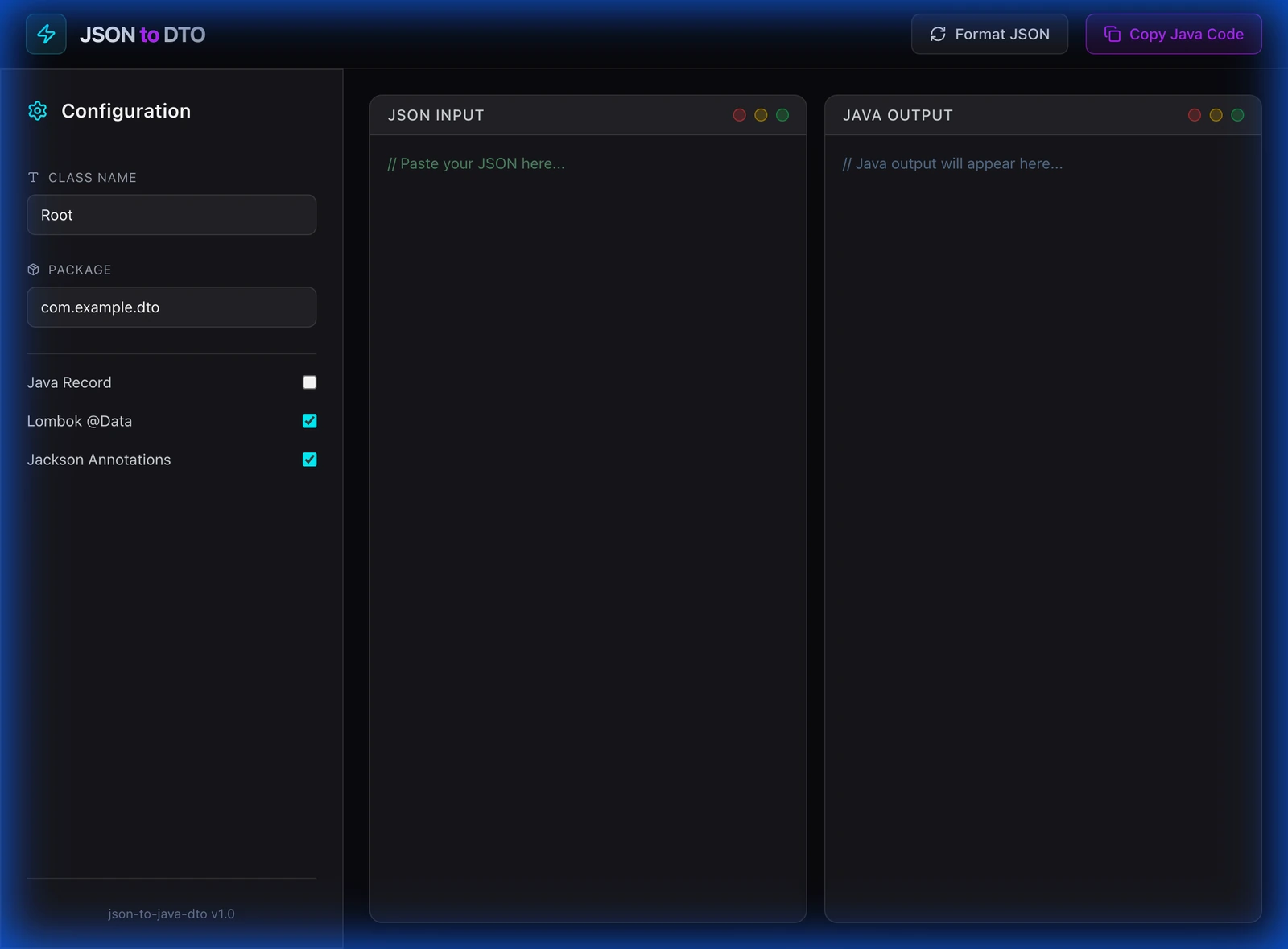
Just paste your JSON on the left, and the Java code appears on the right. No clicking "Submit" or waiting for page reloads. It's reactive and instant.
2. Modern Java Support (Records!)
Java 14+ introduced Records, which are perfect for DTOs. My tool supports them out of the box. You can toggle between standard Classes and Records with a single click.
3. Lombok & Jackson Integration
Most of us use Lombok to avoid boilerplate and Jackson for JSON processing. You can configure the tool to automatically add:
@Dataannotations (for Lombok)@JsonPropertyannotations (for Jackson)
4. Clean UI
I'm a believer that developer tools shouldn't look like they were built in 1999. I designed this with a dark mode "Electric Midnight" theme that's easy on the eyes during those late-night coding sessions.
How do you use the JSON to DTO converter?
- Go to json-to-dto.rabinarayanpatra.com.
- Paste your JSON payload.
- Tweak the settings (Class name, Package name, toggle Records/Lombok).
- Click Copy Code.
- Paste it into your IDE. Done.
I hope this saves you some time on your next project. Let me know if you have any feature requests!
For related tools and documentation, see the Jackson Databind documentation, Java Records JEP 395, and Project Lombok.
Keep Reading
- 10 Essential Java Libraries Beyond Lombok — The libraries that complement your generated DTOs, from MapStruct for mapping to Jackson for serialization.
- Sanitizer-Lib: Eliminating Input Sanitization Boilerplate — Once you've generated your DTOs, annotate them with Sanitizer-Lib to handle input cleaning automatically.