
You've felt this bug as a user. You tap a link to a specific product, a shared playlist, a referral reward. The app isn't installed, so you get bounced to the app store. You install, open the app, and land on a generic home screen with no memory of where you were trying to go. The journey broke at the worst possible moment, right after you committed to installing.
Fixing that is harder than it looks, and it got harder in 2025 when Firebase Dynamic Links shut down on August 25 and took a lot of apps' linking with it. Branch.io is where many of those apps landed. It's a mobile linking and attribution platform that makes one link route correctly across every platform, survive an app install, and report exactly which campaign drove the result.
This guide walks through what Branch actually does: how deep linking and deferred deep linking work, how Branch matches a user to their original click without leaning on personal data, how its attribution engine tracks the full journey, the real use cases that justify the integration, and where its limits are. If you build or market a mobile app, this is the layer between "we got an install" and "we got the right install, to the right screen, from the right campaign."
What is Branch.io, and what does it do?
Branch.io is a mobile linking and attribution platform, run by Branch Metrics, that turns a single URL into a cross-platform, install-surviving, measurable link. Branch states it powers linking and attribution across more than 50,000 apps and 3.5 billion users, with customers like Reddit, BuzzFeed, Twitch, and Groupon.
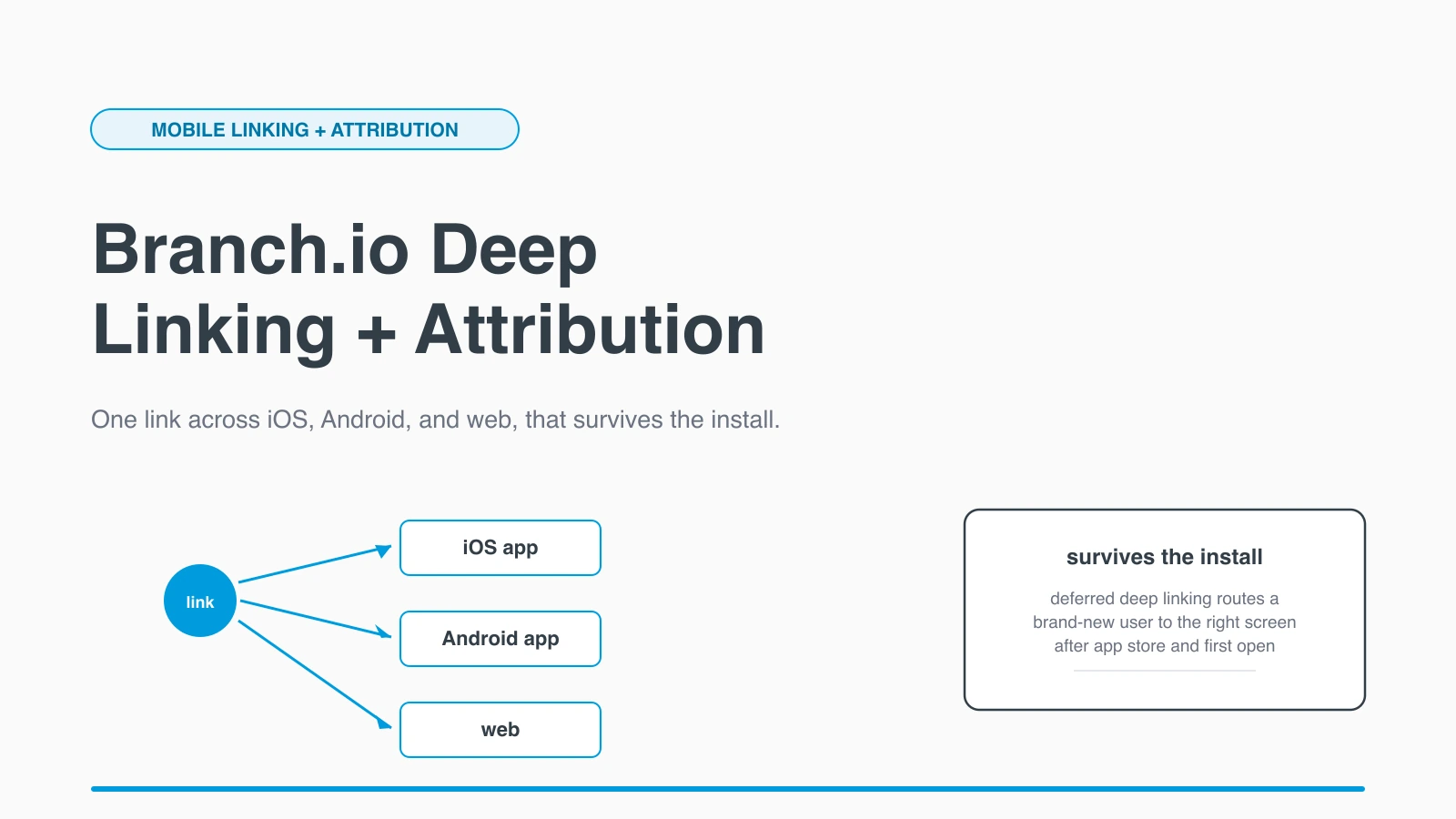
Two jobs sit at the core. The first is linking: take one Branch link and send each user to the right place, whether they're on iOS, Android, web, or desktop, and whether or not the app is installed. The second is attribution: record the full path from the first click through the install to an in-app purchase, and tie it back to the campaign, channel, or referrer that started it. Branch also says it handles more than 6,000 edge cases across browsers, operating systems, and embedded webviews, which is the unglamorous work that makes links "just work" where hand-rolled solutions quietly fail.
It's worth being precise about the category. Branch is both a deep linking provider and a mobile measurement partner (MMP), so it competes with attribution-first tools like AppsFlyer and Adjust while also owning the linking layer that many of those integrations sit on.
What is deep linking, and why do plain URLs break for apps?
Deep linking is sending a user to a specific screen inside an app, not just launching the app at its home screen. A plain web URL can't do this on its own, because the operating system needs a verified way to know that a given domain should open your app instead of the browser.
The native mechanisms exist. On iOS they're Universal Links, on Android they're App Links, and both are verified associations between a domain and an app. When the app is installed and the user taps the link, the OS opens the app at the right screen. That part works well. The problem is everything around it: the app isn't always installed, the link gets opened inside a social app's in-app browser that blocks the native handoff, the user is on desktop, or you need the same link to behave differently per platform. Plain URLs and raw Universal Links have no answer for those cases.
This is the gap Branch fills. A Branch link is a single URL, usually on a subdomain like example.app.link or your own domain, that carries structured link data describing where the user should end up:
{
  "$canonical_url": "https://example.com/products/running-shoes/123",
  "$deeplink_path": "products/running-shoes/123",
  "product_id": "123",
  "~campaign": "summer_sale",
  "~channel": "email"
}Branch reserves $ keys for routing behavior and ~ keys for analytics. When that link is tapped, Branch decides at click time what should happen, open the app, defer to the store, or fall back to the web, based on the device, the OS, and whether the app is installed. The same routing logic that makes web navigation predictable, which I touched on in my guide to measuring Core Web Vitals across SPA route changes, is the kind of correctness Branch is trying to guarantee across the messier mobile boundary.
How does Branch deferred deep linking work?
Deferred deep linking carries the intended destination across an app install, so a brand-new user lands on the right screen after installing, not on a generic home page. This is the single hardest thing Branch does, and the main reason teams pay for it instead of rolling their own.
The flow looks like this:
- Click. A user taps a Branch link that encodes a destination plus metadata like campaign and referrer. The app isn't installed.
- Store redirect. Branch sends the user to the App Store or Google Play.
- Install and open. The user installs the app and opens it for the first time.
- SDK match. On first launch, the Branch SDK calls Branch, which matches this open back to the original click and returns the link data.
- Route. The app reads the returned data and routes the user straight to the intended screen.
Step 4 is where the engineering lives, because matching an install back to a click is exactly what Apple's privacy changes made hard. Branch's answer on iOS is NativeLink, which copies a small encrypted token to the device clipboard at click time. After install, the SDK reads that token on first open and matches the user to their original link, entirely on the device. Branch says this gives high-accuracy matching on iOS without using any personally identifiable information, which is what makes it viable in a post-ATT world.
How does Branch attribution match users without violating privacy?
Branch matches a user to their journey with a layered strategy that starts with the most accurate method available and falls back gracefully when privacy rules remove it. The goal is to credit the right campaign for an install or purchase without collecting data the platforms no longer allow.
The layers, strongest first:
- Deterministic matching with device identifiers: IDFA on iOS when the user grants App Tracking Transparency consent, and GAID on Android. This is exact when it's available.
- NativeLink clipboard matching on iOS, the on-device token described above, which works without IDFA and without personal data.
- Probabilistic matching as a fallback, using device signals like IP address, OS version, and screen size to infer a likely match. Branch describes this as roughly 80 to 90 percent accurate, so it's a reasonable estimate rather than a certainty.
- Predictive Aggregated Measurement (PAM) when no direct match is possible at all, which models attribution at an aggregate level instead of per user.
The reason this matters is that attribution is no longer one clean answer. Since Apple's ATT prompt cut IDFA availability, every honest attribution story is a blend of exact matches, on-device matches, and modeled estimates. Branch's approach is to be explicit about which method produced a given result, so you know whether a number is measured or modeled. Treat the deterministic and NativeLink numbers as solid and the probabilistic and PAM numbers as directional.
What can you actually build with Branch?
Branch is most useful anywhere a link needs to survive an install or a platform switch and then be measured. Once you have reliable deferred deep linking and attribution, a set of common growth features stops being custom engineering and becomes configuration.
Real use cases I'd reach for Branch to build:
- Referral programs. Generate a unique link per user that carries the referrer's ID through install, so a new user who installs from a friend's link lands on the reward screen and both sides get credited. The referral context survives the app store, which is the part that's painful to build by hand.
- Paid acquisition attribution. Attribute installs and in-app purchases back to specific ad campaigns and creatives across networks, measuring real return on ad spend instead of guessing. This is the MMP side of Branch.
- Email and QR campaigns. Put one Branch link in an email or behind a QR code and have it open the app at the right screen on a phone, or the website on a desktop, automatically. Branch can generate these links and codes at scale.
- Web-to-app conversion. When a mobile web visitor would be better served in the app, route them through a smart banner or link that drops them on the matching in-app screen after install, not the home screen.
- Content sharing. Let users share a specific song, product, or post, and have the recipient land on that exact item whether or not they have the app, which keeps shared content from dead-ending at a download page.
- Influencer and partner tracking. Give each partner a link that attributes downstream installs and purchases to them, so payouts are based on measured results.
The thread through all of these is the same: the link has to carry intent across an install boundary and report what happened. That's the work Branch packages.
How do you add Branch to an app?
You add Branch by creating an account, registering your app and its domains, installing the SDK, and reading the link data the SDK returns on launch. The integration is mostly configuration plus a single routing hook in your app's startup.
The high-level steps are consistent across platforms:
- Configure the dashboard. Register your iOS and Android apps, set the deep link domains, and add your Universal Links and App Links settings so the OS associates your domain with your app.
- Install the SDK. Add the Branch SDK to your iOS, Android, React Native, or Flutter project.
- Initialize on launch. Start a Branch session when the app opens. The SDK returns the link data for the link that brought the user in, including the deferred case after a fresh install.
- Route on the returned data. Read the
$deeplink_pathor your custom keys from that data and navigate to the matching screen.
The whole model rests on that last step: Branch hands you a structured object describing where the user wanted to go, and your app decides what to render. Get the routing hook right once, and every Branch link, deferred or not, paid or organic, flows through the same path.
What are Branch's limits and alternatives?
Branch's main limits are cost, dependency, and the inherent fuzziness of post-privacy attribution, none of which are unique to Branch but all of which you should weigh. It's a paid platform at scale, you're adding a third-party SDK and service to your critical path, and the probabilistic and modeled parts of attribution are estimates, not ground truth.
There's also a healthy set of alternatives, and the right choice depends on whether you care more about linking or measurement. AppsFlyer and Adjust are attribution-first MMPs that also do deep linking. Kochava and Singular compete in the same measurement space. For teams that only need native behavior and never deferred deep linking, plain Universal Links and App Links are free and built in, which is fine until the day you need a link to survive an install. That day is exactly why Firebase Dynamic Links users had to migrate when Google shut it down, and why dedicated providers exist.
My honest take: if your growth depends on links that carry intent through an install, referrals, shared content, paid campaigns you need to measure, Branch earns its place because deferred deep linking and attribution are genuinely hard to build and maintain yourself. If you only ever open the app at a screen when it's already installed, you don't need any of this and the native mechanisms are enough. Match the tool to whether your links have to cross the install boundary, and the decision gets simple.
For more on how Branch works, see the Branch deep linking overview, the deferred deep linking glossary entry, and Google's Firebase Dynamic Links deprecation FAQ for the migration context that pushed many apps toward platforms like Branch.
Keep Reading
- How to Measure Core Web Vitals in a Single-Page App. The web side of getting routing and navigation right.
- Goodbye middleware.ts, Hello proxy.ts: The Next.js 16 Migration Guide. How URL routing and redirects work on the web layer Branch links often hand off to.
- Full-Stack Social Identity: Spring Security 6.x + Next.js 16 + Auth.js. Connecting web and app identity, which pairs with cross-platform linking.