
You click a tab, the new screen flashes blank, spinners spin, and then the content arrives. You click back, and the form you half-filled is gone. That stutter is the cost of conditional rendering, where React unmounts a screen the moment you leave it and rebuilds it from scratch when you return.
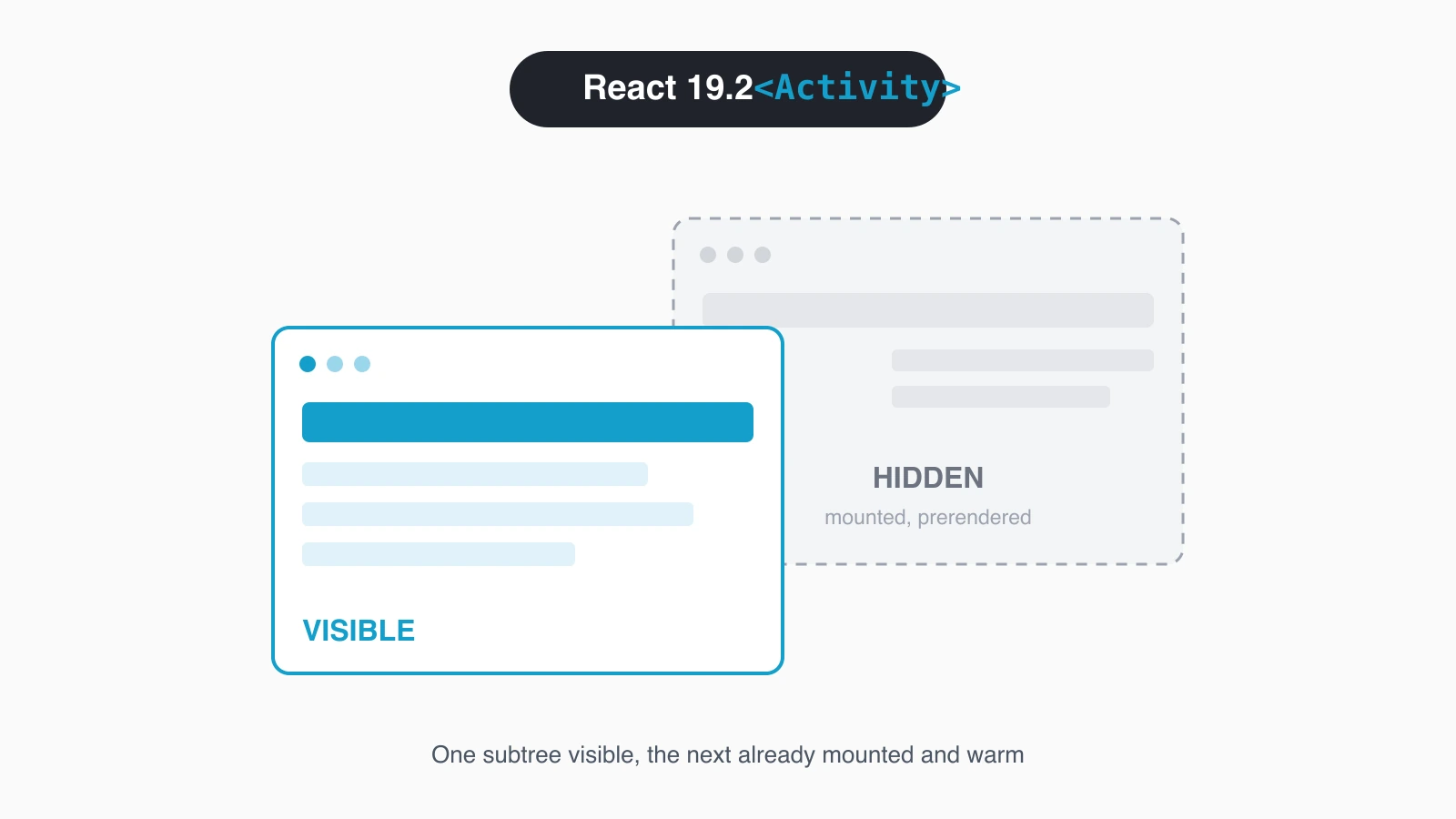
React 19.2 fixes this with a new stable component called <Activity>. It keeps hidden parts of your UI mounted and prerendered in the background, so the next navigation feels instant and the back button restores state for free. I swapped one && for an <Activity> in a side project last week and a tab switch went from a visible 400ms blank to no blank at all. Here's how it works.
What is the React Activity component?
The React Activity component is a stable API in React 19.2 that wraps a piece of your UI and toggles it between visible and hidden without unmounting it. You give it a mode prop, either "visible" or "hidden", and React decides how hard to work on that subtree. Visible behaves like normal rendering. Hidden keeps the tree alive but pushes its work to the lowest priority.
This is the production-ready version of an idea React has been circling for years under the old Offscreen name. It shipped without an unstable_ prefix, so you can use <Activity> directly. The React team has said more modes are coming, but the two you have today already cover the cases that matter.
import { Activity } from 'react';

function App({ currentTab }) {
  return (
    <Activity mode={currentTab === 'profile' ? 'visible' : 'hidden'}>
      <ProfilePage />
    </Activity>
  );
}ProfilePage stays mounted whether the tab is active or not. When the user is somewhere else, React keeps it ready in the background instead of throwing it away.
How do you replace conditional rendering with Activity?
You replace conditional rendering by swapping the boolean && for an <Activity> whose mode follows the same condition. The before and after are nearly identical, which is what makes the migration easy. The behavior underneath is completely different.
// Before: unmounts Page when isVisible is false
{isVisible && <Page />}

// After: keeps Page mounted, just hidden
<Activity mode={isVisible ? 'visible' : 'hidden'}>
  <Page />
</Activity>With the && version, flipping isVisible to false destroys the entire Page tree. Its state vanishes, its DOM is removed, and the next time you show it, React mounts everything again from zero. With Activity, flipping to hidden keeps the tree and its state in memory and hands the visible work back to whatever the user is looking at.
The mental shift is small but real. You stop asking should this be in the tree and start asking should this be visible right now. Those are different questions, and Activity is the answer to the second one.
What happens when an Activity is hidden?
When an Activity switches to hidden, React does three specific things: it hides the children, unmounts their effects, and defers all further updates until it has nothing else to do. The component state stays in memory, but the side effects do not keep running. That combination is the whole trick.
Think about what unmounting effects means in practice. A hidden screen with a useEffect that opens a WebSocket, starts an interval, or subscribes to a store will run that effect's cleanup function the moment it goes hidden. No background socket chatter, no timers firing against a screen nobody sees. When the screen goes visible again, the effect runs fresh, reconnecting as if the component just mounted.
function LiveFeed() {
  useEffect(() => {
    const socket = openSocket();
    return () => socket.close(); // runs when the Activity hides
  }, []);

  return <Feed />;
}So a hidden Activity is cheaper than it looks. It holds onto state and DOM, which is memory, but it stops doing work, which is CPU and network. You get the resumability of a kept-alive component without paying for its effects while it's offscreen.
How do you prerender the next route with Activity?
You prerender the next route by rendering it inside a hidden Activity before the user navigates, so its data, CSS, and images load in the background. React renders the hidden subtree at low priority without stealing time from the visible page. By the time the user clicks, the screen is already built.
function Router({ route }) {
  return (
    <>
      <Activity mode={route === 'feed' ? 'visible' : 'hidden'}>
        <FeedPage />
      </Activity>

      <Activity mode={route === 'settings' ? 'visible' : 'hidden'}>
        <SettingsPage />
      </Activity>
    </>
  );
}Both pages are described up front. Only one is visible, and the hidden one warms its data fetches and asset loads while the user reads the visible page. Switch the route and the formerly hidden page is ready, no blank flash, no fresh waterfall of requests.
The judgment call is which routes to prerender. Wrapping every possible screen in a hidden Activity is wasteful, because each one holds memory and does background rendering. Prerender the one or two screens a user is most likely to hit next, like the detail view from a list or the next step in a wizard, and leave the long tail to load on demand.
How does Activity preserve state on back navigation?
Activity preserves state on back navigation because a hidden subtree stays mounted, so local state and uncontrolled inputs are never destroyed. When the user leaves a screen, you flip it to hidden instead of unmounting it. When they hit back, you flip it to visible and the screen returns exactly as they left it.
This is the part users feel most. Picture a search page with filters typed in and a scroll position halfway down the results. With conditional rendering, navigating to a detail page and back wipes all of it. With Activity, the search screen was only hidden, so the text in the inputs, the selected filters, and the scroll position come back untouched.
<Activity mode={view === 'list' ? 'visible' : 'hidden'}>
  <SearchResults /> {/* keeps filters and scroll on back nav */}
</Activity>

<Activity mode={view === 'detail' ? 'visible' : 'hidden'}>
  <ItemDetail />
</Activity>You don't have to lift that state into a store or serialize it into the URL just to survive a round trip. The component keeps its own state because it never left the tree. That deletes a whole category of state-preservation plumbing I used to write by hand.
How is Activity different from display:none and conditional rendering?
Activity sits between conditional rendering and CSS hiding, and it beats both for this job. Conditional rendering with && unmounts the tree, which frees memory but destroys state and forces a cold rebuild. CSS display:none keeps the element in the DOM, but React keeps running its effects, timers, and subscriptions at full priority, so a hidden tab still does work and still competes for the main thread.
Activity takes the good half of each. Like display:none, it keeps the tree and its state alive for instant return. Unlike display:none, it unmounts effects and drops the subtree to the lowest render priority, so a hidden screen costs memory but not ongoing work. And unlike either, it coordinates with React's scheduler, prerendering hidden content only when the main work is done.
| Approach | State on return | Effects while hidden | Render priority |
|---|---|---|---|
{cond && <X/>} | Lost | None (unmounted) | N/A |
display: none | Kept | Still running | Full |
<Activity mode="hidden"> | Kept | Unmounted | Lowest |
The table makes the choice obvious. If you want a screen to come back instantly without burning resources while it waits, Activity is the only option that gives you both.
What pitfalls should you watch for with Activity?
The first pitfall is treating Activity like display:none for effects. Effects unmount when an Activity hides and re-run when it shows, so any effect with an expensive setup, like a fresh network handshake, pays that cost on every visible transition. Make your effect cleanup and setup cheap, or guard expensive work so a quick hide-and-show doesn't thrash.
The second pitfall is wrapping too much. Every hidden Activity keeps its tree in memory and does low-priority background rendering, so blanketing your app in hidden Activities trades blank flashes for memory pressure. Prerender the few screens that benefit and let the rest mount on demand. Measure before you wrap a heavy subtree.
The third pitfall is expecting Activity to be a router or a data cache. It controls visibility and rendering priority, nothing more. It will not dedupe your fetches, manage history, or know which route comes next. You still wire navigation and data loading yourself, with Activity as the piece that keeps the rendered result warm.
The last one is assuming the hidden tree is truly idle. It is not running effects, but its state still occupies memory and its low-priority renders still happen. On a memory-constrained device, a dozen hidden screens add up. Keep the count small and the wins stay clean.
Should you adopt Activity in your app today?
Adopt it where navigation churn hurts, and skip it everywhere else. Activity is not a global setting you flip on. It's a targeted tool for the handful of places where unmounting and remounting a screen costs the user a blank flash or a lost form. Those places are where the payoff is obvious and the memory cost is worth it.
Find the one navigation in your app that feels worst, the tab switch that blanks or the back button that forgets. Wrap both screens in <Activity>, drive the mode from your existing condition, and feel the difference. Once you see a cold screen turn instant from a one-line change, you'll know exactly which other spots deserve the same treatment, and which don't.
For the authoritative details, read the official React 19.2 release notes and the deeper walkthrough in LogRocket's React 19.2 coverage.
Keep Reading
- Building a Modern Docs Generator with Next.js 16. Where instant navigation patterns pay off in real apps.
- Hello, proxy.ts in Next.js 16. Another React 19-era primitive worth knowing.
- Replacing useEffect Data Fetching with Server Actions. Rethink effects, the thing Activity unmounts when hidden.
- The Day a React Patch Broke the Internet. Why pinning your React version matters before you adopt new APIs.