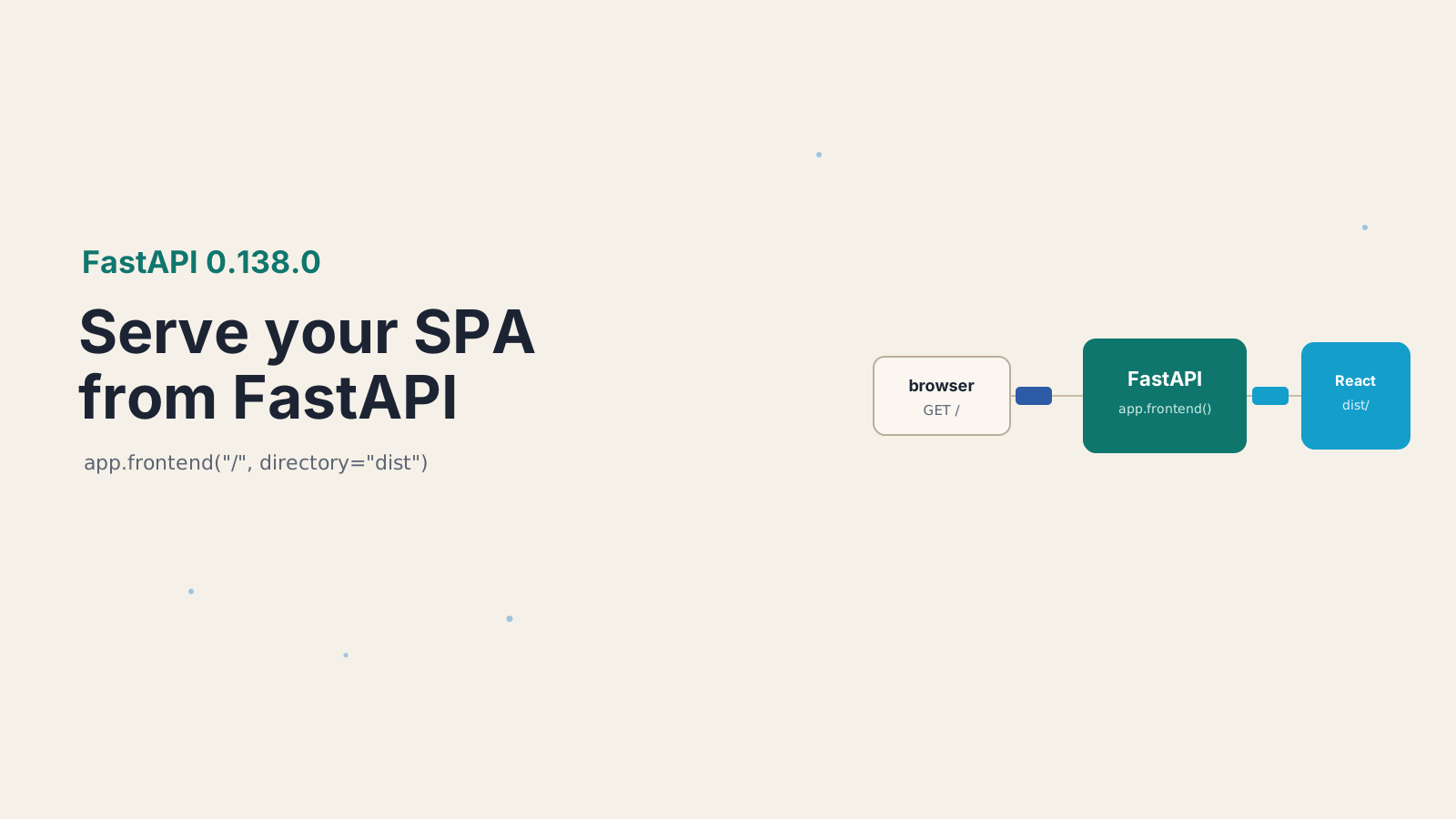

Every time I shipped a React app behind FastAPI, I lost twenty minutes to the same plumbing. Mount StaticFiles, add a catch-all route so a page refresh on /dashboard doesn't 404, then fight the ordering so the catch-all doesn't swallow my /api endpoints. It worked. But it was copy-paste glue I never enjoyed writing.
FastAPI 0.138.0, released June 20, 2026, makes that glue obsolete. There's a new method, app.frontend(), that serves a built single-page app in one line and gets the routing right by default.
Here's how to serve a React or Vite SPA with it, how it decides between your API and your frontend, and the one thing it deliberately won't do.
What is app.frontend() in FastAPI?
app.frontend() is a method added in FastAPI 0.138.0 that serves a pre-built static frontend, like a compiled React, Vue, or Svelte app, directly from your FastAPI server. You point it at the directory your build tool produced and it handles serving files, client-side routing fallback, and 404s for you.
It landed in PR #15800 and comes in two forms: app.frontend() on the application, and router.frontend() on an APIRouter. The full signature is small:
app.frontend(path, directory, fallback="auto", check_dir=True)That's it. path is the URL prefix to serve from, directory is your build output folder, fallback controls what happens for unmatched paths, and check_dir decides whether the directory must exist when the app boots. Before this, you reached for Starlette's StaticFiles and bolted on your own catch-all. Now the framework owns that job.
How do you serve a built React SPA with app.frontend()?
Build your frontend to a folder, then point app.frontend() at it with the URL path you want to serve it from. That is the entire setup.
Say you have a Vite-powered React app. You build it the usual way, which drops static files into dist:
npm run build # Vite writes the compiled SPA into ./distThen in your FastAPI app, define your API as normal and add one line to serve the SPA:
from fastapi import FastAPI

app = FastAPI()

@app.get("/api/health")
def health():
    return {"status": "ok"}

# serve the built SPA from ./dist at the root
app.frontend("/", directory="dist")Start the server and / serves your index.html, /assets/index-abc123.js serves the real compiled file, and /api/health still returns JSON. No StaticFiles, no manual catch-all, no ordering puzzle. The supported build outputs cover the usual suspects: React with Vite, TanStack Router, Astro, Vue, Svelte and SvelteKit, Angular, and Solid. If your tool produces a folder of static files, app.frontend() can serve it.
How does FastAPI route between your API and the frontend?
FastAPI checks your API path operations first, then looks for a matching file in the frontend directory, and only then applies the fallback. Your routes always win, so mounting the frontend at / never shadows /api/....
Walk through three requests against the app above. A GET /api/health matches a path operation, so the handler runs and you get JSON. A GET /assets/index-abc123.js matches no route but is a real file in dist, so FastAPI streams that file. A GET /dashboard matches no route and no file, because /dashboard is a client-side route that only exists inside your React Router config, so it hits the fallback. That three-step order is the whole mental model. Routes, then files, then fallback.
This is why you can serve the frontend at the root without paranoia. The old worry with a catch-all route was that it might intercept an API call you added later. Here, path operations are always consulted first, so a new /api/users endpoint keeps working even though the frontend also lives at /.
What do the fallback modes do?
The fallback argument controls what FastAPI serves when a request matches no API route and no real file. It takes four values: "auto" (the default), "index.html", "404.html", or None.
Here is what each one does for a browser navigation request to a path that has no file:
"auto": serves404.htmlwith a 404 status if that file exists, otherwise servesindex.htmlfor the navigation, otherwise returns a normal 404. This is the sensible default for most SPAs."index.html": servesindex.htmlfor the missing path. This is the explicit client-side routing mode, so a deep link or refresh on/dashboardloads your app and lets React Router take over."404.html": serves your custom404.htmlwith a real 404 status code, which suits content sites that ship a static not-found page.None: no fallback at all. Missing paths just return a normal 404.
One rule cuts across all of them: missing static assets like JavaScript, CSS, or images always return a real 404, no matter the fallback. The fallback only applies to browser navigation requests, not to a bad <script src>. That distinction matters, because it means a typo in an asset path fails loudly as a 404 instead of silently serving HTML where JavaScript was expected, which is the kind of bug that wastes an afternoon.
# explicit client-side routing: deep links resolve to the SPA
app.frontend("/", directory="dist", fallback="index.html")How do you serve the frontend under a path with APIRouter?
Use router.frontend() on an APIRouter, then include that router under a prefix. This is how you serve the SPA from something like /app instead of the root.
from fastapi import APIRouter, FastAPI

app = FastAPI()
router = APIRouter()

router.frontend("/", directory="dist", fallback="index.html")
app.include_router(router, prefix="/app")Now the SPA lives at /app, and you are free to keep the root for an API landing page, docs, or a separate marketing site. The other parameter worth knowing is check_dir. By default FastAPI verifies the directory exists when the app starts, which fails fast if you forgot to build the frontend. In a multi-stage Docker build or a CI step where the dist folder is produced after the Python image is assembled, set check_dir=False so the app can boot before the build artifacts are in place:
app.frontend("/", directory="dist", check_dir=False)I use the default check_dir=True in development because a missing dist almost always means I forgot to run the build, and I'd rather know at startup than get blank pages.
When should you skip app.frontend()?
Skip it when you need server-side rendering. app.frontend() serves pre-built static files only, so a Next.js or Nuxt app that renders HTML per request needs its own Node server, not this. There's no SSR, no per-request data fetching on the server, no streaming. If your framework ships a server.js, app.frontend() is the wrong tool.
It's also not a replacement for a CDN at high scale. If you serve millions of static asset requests, putting those files behind a CDN still beats streaming them from your Python process. Where app.frontend() shines is the single-deploy case: an internal tool, an admin panel, a side project, or any app where running one FastAPI container instead of a backend plus a separate static host is the simpler, cheaper choice. That covers a lot of real apps. I reach for it any time the frontend and API ship together and the traffic doesn't justify a second piece of infrastructure.
The quiet significance here is that FastAPI is absorbing a job that used to demand a reverse proxy or a second server. For the "one container, one deploy" crowd, that's one less moving part to reason about. I expect more backend frameworks to follow, because the pattern of "build a SPA, serve it next to the API" is so common that baking it in was overdue.
For the full details, see the FastAPI 0.138.0 release notes, the official Frontend tutorial, the Vite static deployment guide, and Starlette's StaticFiles docs for the lower-level approach this replaces.
Keep Reading
- Full-Stack Social Identity: Spring Security 6.x + Next.js 16 + Auth.js. Another full-stack wiring guide, this time for auth across a separate backend and frontend.
- Building a Modern Documentation Generator with Next.js 16. What the frontend build step produces before a server like this ever sees it.
- How to Use the React Activity Component for Instant Navigation. Make the SPA you just deployed feel faster once it's in the browser.