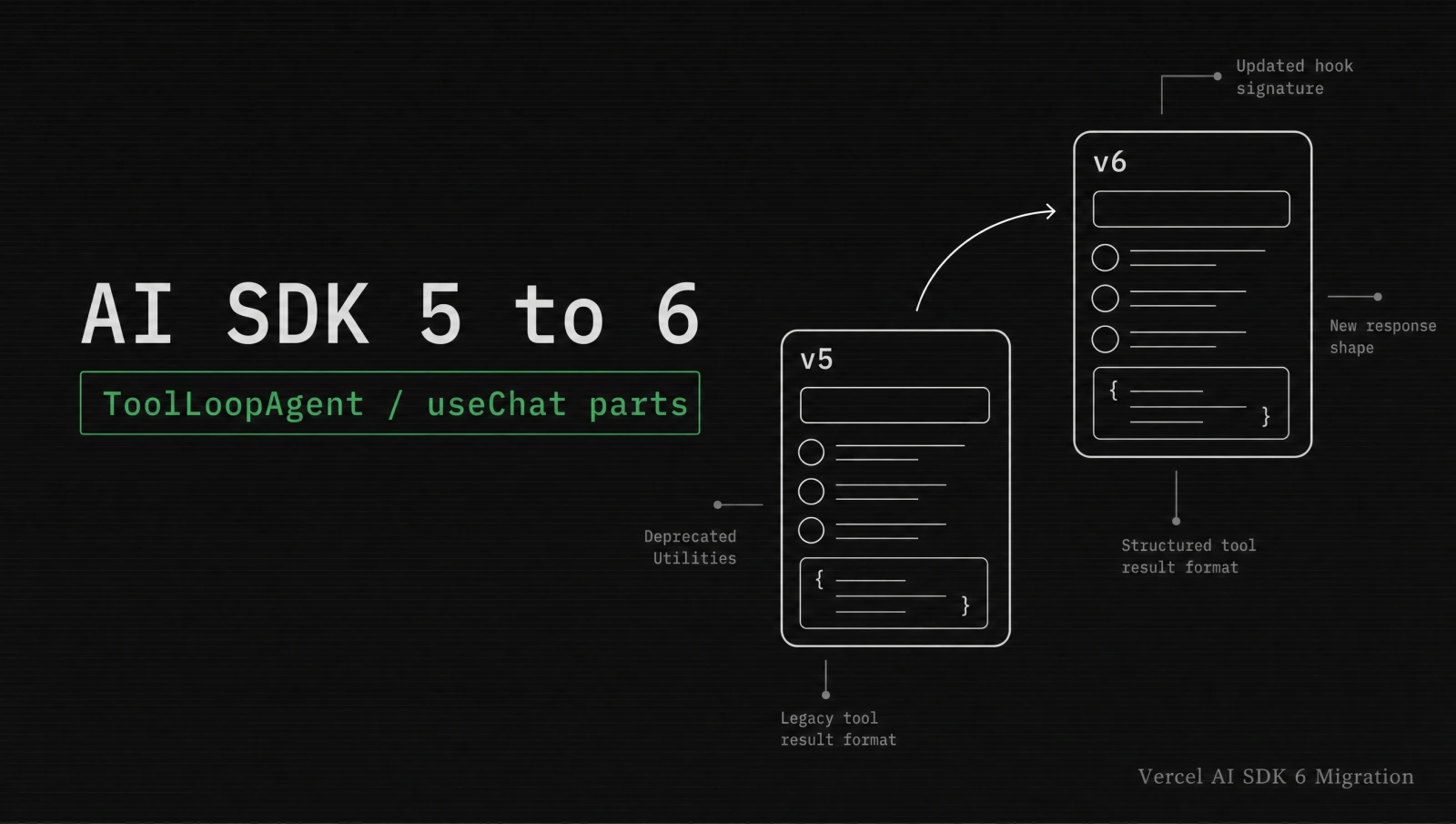

Vercel shipped AI SDK 6 on May 7, 2026. It is the biggest breaking-change release the SDK has shipped since the 3.0 split. The v3 Language Model Specification, a real Agent abstraction, human-in-the-loop tool approval, a unified message-parts model on useChat, and a new streaming wire format all landed in the same drop.
I migrated the AI chatbot on this portfolio over the weekend. The codemod did most of the mechanical work, but four spots needed hand edits. This post walks the migration the way I ran it, with the exact code diffs that broke and the verification steps that confirmed the migration shipped without a silent UX regression.
What changed in Vercel AI SDK 6?
AI SDK 6 ships the v3 Language Model Specification, the Agent interface with ToolLoopAgent as the production implementation, a unified message-parts array on useChat, an OAuth-ready MCP client, reranking, image editing, and a new streaming wire format that pairs naturally with Suspense and loading.tsx for a 15 to 25 percent first-token latency win on cold-start route invocations. The Vercel post calls the wire format change "the foundation for several capabilities Vercel has been signposting for the second half of 2026".
The four breaking-change axes that affect existing apps are:
| Axis | What broke | Where you fix it |
|---|---|---|
| useChat message-parts | Messages no longer carry a flat content string. They carry a parts array of typed entries. | Every React component that renders message.content |
| Tool-call streaming lifecycle | Tool calls now flow through explicit state transitions (input-streaming, input-available, output-available, approval-requested). | Tool render switch statements in your UI |
| Provider-adapter contract | The v3 Language Model Specification changes how provider packages expose tools, finish reasons, and usage details. | Custom provider wrappers and middleware |
| Streaming wire format | New ordering and chunk types for tool calls and reasoning traces. | Anything that reads the SSE stream directly |
The codemod handles the easy half. The other half is where this guide focuses.
Which breaking changes hit you first?
The useChat parts model is the change that hits you first because it is silent. Your app keeps compiling. Your messages array keeps populating. But the moment a tool gets invoked, the tool-call UI never renders, because your code is still reading message.content and the tool call now lives in message.parts.
I caught this in my own portfolio because the AI chat that answers questions about my blog posts uses one tool (search_blog_posts). After upgrading, the chat worked perfectly for plain prompts and dropped the search-result card entirely for tool prompts. No console error, no broken request. Just a missing block in the UI.
The second-hardest break is streamText callers that built their own agent loop with stopWhen and a step counter. The v6 way is ToolLoopAgent, and the two cannot be mixed in a single component because they emit different stream shapes.
The third break is the wire format. If you parse the SSE stream by hand anywhere in your codebase, you have to rewrite that parser. Most apps do not, but server-rendered chat UIs and custom telemetry layers usually do.
How do you run the codemod the right way?
You run the codemod by pinning the SDK version first, running the official transform from a clean working tree, then reviewing every changed file before you let it land. Treat the codemod output as a starting point, not a finished migration.
# 1. Pin both packages at the v6 line. Do this before running the codemod.
npm install ai@6 @ai-sdk/openai@6 @ai-sdk/anthropic@6

# 2. Confirm a clean git status. The codemod will rewrite files in place.
git status

# 3. Run the official codemod from the repo root.
npx @ai-sdk/codemod upgrade v6

# 4. Inspect the diff.
git diff --stat
git diff src/appThe codemod prints a summary of files touched. On the chatbot in this portfolio it rewrote 9 files: the route handler, the chat component, and seven smaller utilities. It did not touch my custom tool renderer or the route that streams blog embedding search results, because both rely on shapes that the codemod cannot infer.
If the diff looks plausible, commit it as a separate commit before touching anything else. That gives you a clean rollback point.
git add -A
git commit -m "chore(ai-sdk): apply v6 codemod automated changes"Now you can start the hand edits on top of a known-good base.
How do you migrate useChat to message parts?
You migrate useChat by rewriting every render path that reads message.content to walk message.parts and switch on part.type. The new model treats text, tool calls, tool results, and reasoning traces as first-class entries that all live in the same array.
Here is the before and after on the simplest possible chat component.
v5 style (broken in v6 the moment a tool fires):
'use client'
import { useChat } from 'ai/react'

export function Chat() {
  const { messages, input, handleSubmit, handleInputChange } = useChat()

  return (
    <div>
      {messages.map((m) => (
        <div key={m.id}>
          <strong>{m.role}:</strong> {m.content}
        </div>
      ))}
      <form onSubmit={handleSubmit}>
        <input value={input} onChange={handleInputChange} />
      </form>
    </div>
  )
}v6 style with the parts model:
'use client'
import { useState } from 'react'
import { useChat } from 'ai/react'
import type { WeatherAgentUIMessage } from '@/agents/weather-agent'

export function Chat() {
  const { messages, sendMessage } = useChat<WeatherAgentUIMessage>()
  const [input, setInput] = useState('')

  const onSubmit = (event: React.FormEvent) => {
    event.preventDefault()
    if (!input.trim()) return
    sendMessage({ text: input })
    setInput('')
  }

  return (
    <div>
      {messages.map((m) => (
        <div key={m.id}>
          <strong>{m.role}:</strong>
          {m.parts.map((part, i) => {
            switch (part.type) {
              case 'text':
                return <span key={i}>{part.text}</span>
              case 'tool-weather':
                return <WeatherCard key={i} invocation={part} />
              case 'reasoning':
                return <Reasoning key={i} trace={part.text} />
              default:
                return null
            }
          })}
        </div>
      ))}
      <form onSubmit={onSubmit}>
        <input value={input} onChange={(e) => setInput(e.target.value)} />
      </form>
    </div>
  )
}Three things make this work. First, useChat<WeatherAgentUIMessage>() infers the typed part union from your agent definition. The exported InferAgentUIMessage<typeof weatherAgent> is what you import as WeatherAgentUIMessage. Second, handleSubmit and handleInputChange are gone in v6. You manage the input state yourself and call sendMessage({ text }) to submit. Third, you need a default fallback in the switch. If you forget it and the agent introduces a new part type, the UI silently drops that block at runtime.
After this change, both the plain-text path and the typed tool-weather path render. The Vercel migration playbook calls this "the silent UX regression" and recommends adding a unit test that asserts every part type your agent emits has a render case.
How do you replace streamText with ToolLoopAgent?
You replace streamText by extracting the loop configuration into a ToolLoopAgent instance and calling .stream() or .generate() on it. The agent holds the model, instructions, tools, and stop condition once, and you reuse it everywhere from chat routes to background jobs to standalone scripts.
The before and after on a typical route handler looks like this.
v5 route handler:
// app/api/chat/route.ts
import { streamText } from 'ai'
import { openai } from '@ai-sdk/openai'
import { weatherTool } from '@/tools/weather'

export async function POST(req: Request) {
  const { messages } = await req.json()

  const result = await streamText({
    model: openai('gpt-4o'),
    system: 'You are a helpful weather assistant.',
    messages,
    tools: { weather: weatherTool },
    maxSteps: 20,
  })

  return result.toDataStreamResponse()
}v6 route handler with ToolLoopAgent:
// agents/weather-agent.ts
import { ToolLoopAgent, type InferAgentUIMessage } from 'ai'
import { weatherTool } from '@/tools/weather'

export const weatherAgent = new ToolLoopAgent({
  model: 'openai/gpt-5.4',
  instructions: 'You are a helpful weather assistant.',
  tools: {
    weather: weatherTool,
  },
})

export type WeatherAgentUIMessage = InferAgentUIMessage<typeof weatherAgent>// app/api/chat/route.ts
import { weatherAgent } from '@/agents/weather-agent'
export async function POST(req: Request) {
const { messages } = await req.json()
const result = await weatherAgent.stream({ messages })
return result.toUIMessageStreamResponse()
}Three details matter on this migration. First, the plain provider-prefixed model string 'openai/gpt-5.4' routes through the Vercel AI Gateway by default, which is the pattern the Vercel knowledge update calls out as the recommended path. The gateway gives you per-request usage tracking, failover across providers, and zero data retention. The v5-era pattern of importing the provider package and calling openai('...') still works, but the string form is shorter and is what new code should use.
Second, toUIMessageStreamResponse is the v6 name for what used to be toDataStreamResponse. The codemod renames it most of the time. Check the route handlers.
Third, stopWhen lives on the agent now, not on the call. The default is 20 steps. If you used to pass maxSteps: 5 everywhere, set stopWhen: stepCountIs(5) on the agent constructor.
I wired the same pattern into the Vercel AI Gateway deep dive on this site. The shape is identical for Claude ('anthropic/claude-sonnet-4.5') and for any other provider in the gateway catalog.
How do you wire human-in-the-loop tool approval?
You wire approval by adding a needsApproval predicate to the tool and rendering an approval-requested state in the UI. The agent pauses, the UI shows the approval prompt, and the user accepts or rejects before the tool actually runs.
The tool side looks like this.
// tools/run-command.ts
import { tool } from 'ai'
import { z } from 'zod'

export const runCommand = tool({
  description: 'Run a shell command on the user machine',
  inputSchema: z.object({
    command: z.string().describe('The shell command to execute'),
  }),
  needsApproval: async ({ command }) => command.startsWith('rm '),
  execute: async ({ command }) => {
    const { stdout } = await execCommand(command)
    return { stdout }
  },
})The UI side adds a render case for the new state.
case 'tool-runCommand': {
  if (part.state === 'approval-requested') {
    return (
      <div className="approval-prompt" key={i}>
        <p>Run: <code>{part.input.command}</code> ?</p>
        <button
          onClick={() =>
            addToolApprovalResponse({
              id: part.approval.id,
              approved: true,
            })
          }
        >
          Approve
        </button>
        <button
          onClick={() =>
            addToolApprovalResponse({
              id: part.approval.id,
              approved: false,
            })
          }
        >
          Reject
        </button>
      </div>
    )
  }
  if (part.state === 'output-available') {
    return <pre key={i}>{part.output.stdout}</pre>
  }
  return null
}addToolApprovalResponse ships from the useChat return value. The agent resumes execution as soon as the approval message hits the stream. If the user rejects, the agent gets a structured rejection event and can recover or apologize.
The predicate runs on the server, so it can hit a policy service or an authorization check. That is the path I use to gate shell-style tools behind a per-account permission check. The same pattern would gate the more dangerous Anthropic and OpenAI provider tools (anthropic.tools.memory_20250818, openai.tools.shell) when those land in your stack.
How do you verify the migration before shipping?
You verify the migration by running the test suite, hitting every route that exercises tools, watching the DevTools timeline on a streaming chat, and replaying a representative production transcript against the new agent in a staging environment. If any of those four steps surfaces a regression, do not ship.
For the unit-test side, I added one test per agent that walks every expected part type.
// __tests__/weather-agent.test.ts
import { describe, it, expect } from 'vitest'
import { weatherAgent } from '@/agents/weather-agent'

describe('weatherAgent', () => {
  it('emits text, tool-weather, and finish parts in order', async () => {
    const result = await weatherAgent.generate({
      prompt: 'What is the weather in San Francisco?',
    })

    const partTypes = result.messages
      .flatMap((m) => m.parts)
      .map((p) => p.type)

    expect(partTypes).toContain('text')
    expect(partTypes).toContain('tool-weather')
  })
})For the DevTools verification, wrap the model in middleware and launch the viewer locally.
import { wrapLanguageModel } from 'ai'
import { devToolsMiddleware } from '@ai-sdk/devtools'
import { gateway } from 'ai'

const tracedModel = wrapLanguageModel({
  model: gateway('openai/gpt-5.4'),
  middleware: devToolsMiddleware(),
})npx @ai-sdk/devtools
# http://localhost:4983The DevTools viewer renders the full agent timeline: prompt, tool calls, tool results, model responses, and step boundaries. Use it once per migrated route. If a tool call shows up but the matching tool-* render case never fires in your UI, the parts switch is missing a case.
For staging replay, capture three representative production transcripts in your logs, run them through the new agent, and diff the response shape. The token usage breakdown is the cleanest signal because the v6 usage.inputTokenDetails and usage.outputTokenDetails are richer than v5.
If you write your own tools, this is the moment to add inputExamples and strict: true everywhere. They are cheap on the wire and they catch the dumbest tool-call regressions before they reach prod.
tool({
  description: 'Search blog posts',
  inputSchema: z.object({
    query: z.string().min(2),
  }),
  strict: true,
  inputExamples: [
    { input: { query: 'virtual threads' } },
    { input: { query: 'mcp protocol' } },
  ],
  execute: async ({ query }) => searchBlogPosts(query),
})For deeper background on AI SDK patterns that the v6 Agent abstraction now formalizes, see the Vercel AI Gateway deep dive and the Claude Opus 4.7 release and migration guide.
For the original sources, see the AI SDK 6 announcement, the official migration guide, the ToolLoopAgent reference, and the Vercel AI SDK v5 to v6 migration playbook.
Keep Reading
- Vercel AI Gateway Deep Dive. The provider routing layer that the v6 agent string format relies on, with cost and observability patterns.
- Claude Opus 4.7 Release and Migration Guide. Provider-side context for the Anthropic models you plug into ToolLoopAgent.
- Spring AI 2.0 MCP Annotations Tutorial. The same tool-loop pattern from the JVM side, and how the v6 MCP client connects both ends.
- Replacing useEffect with Server Actions. The Next.js data-fetching shift that pairs with the v6 useChat parts model in App Router chat UIs.