
In Part 1 I built a single CloudFormation stack: write a template, deploy it, preview changes, tear it down. That loop is the whole foundation. But real projects don't have one environment. They have dev, staging, and prod, and the moment you copy that template three times you've signed up for a slow kind of pain.
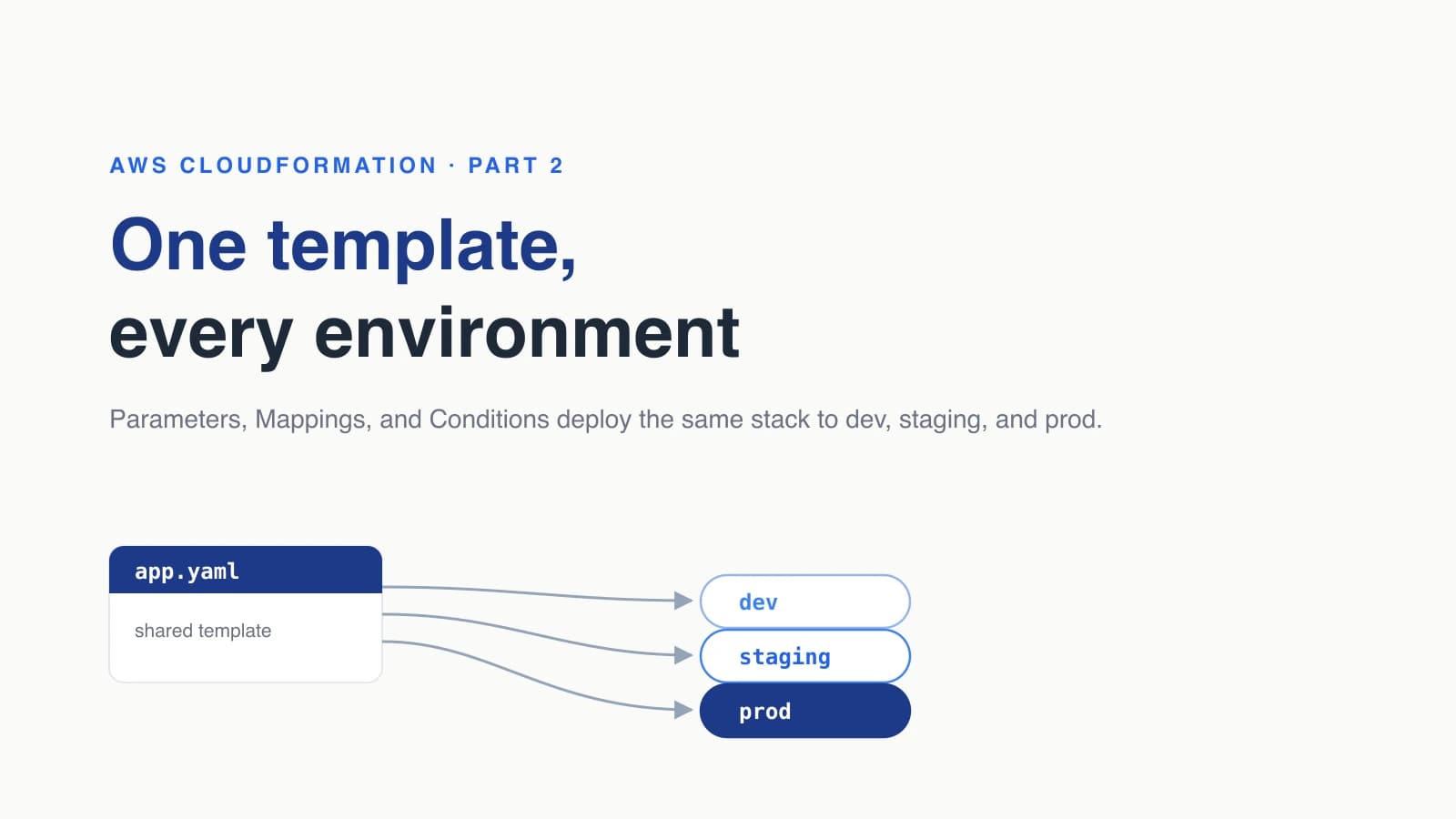
This post is about running one CloudFormation template across multiple environments without copy-paste. I'll show you the four pieces that make it work: a Parameter to pick the environment, Mappings to hold per-environment values, Conditions to create resources only where they belong, and per-environment parameter files that feed it all at deploy time. The example builds on the same S3 bucket from Part 1 and adds a server, so you can see each piece doing real work.
Why shouldn't you copy a CloudFormation template per environment?
You shouldn't copy a template per environment because the copies drift apart, and drift is invisible until it breaks something. The day you fix a bucket policy in prod is the day prod silently stops matching dev, and nobody updates the other two files because nobody remembers they exist.
I've watched a team keep three near-identical templates and burn most of a sprint hunting why staging behaved differently from prod. The answer was a single property somebody had added to one file eight months earlier. Three files meant three sources of truth, which is the same as none.
One template fixes this by construction. The structure of your infrastructure lives in exactly one place, and the things that genuinely differ between environments (instance sizes, retention windows, whether a backup alarm exists) move into small inputs you can read at a glance. Same shape everywhere, differences out in the open.
How do you make one CloudFormation template work across environments?
You make a template environment-aware by adding a Parameter that names the environment and restricting it to a known list. Everything else keys off that one value, so a single input drives the whole deploy.
Start with the parameter. The AllowedValues list is the quiet hero here, because it turns a typo into an instant, obvious failure instead of a fourth environment called prd:
Parameters:
  EnvName:
    Type: String
    AllowedValues: [dev, staging, prod]
    Description: Which environment this stack represents
  AppName:
    Type: String
    Default: orders-api
Description: Name prefix for resources in this stackThat's it for inputs. Resist the urge to add a parameter for every difference between environments. If you find yourself with a dozen toggles, the per-environment detail belongs in Mappings, not in a wall of parameters somebody has to remember to set correctly.
The EnvName value is what the next two sections read. Think of it as the key you'll look things up with.
How do you set per-environment values with Mappings?
Mappings are static lookup tables in your template, and you read a value out of one with the Fn::FindInMap function. They're the right home for "this environment uses this value" data, like instance sizes or log retention, where the choice is fixed and known ahead of time.
Here's a Mapping that sizes the server and sets log retention per environment:
Mappings:
  EnvConfig:
    dev:
      InstanceType: t3.micro
      LogRetentionDays: 7
    staging:
      InstanceType: t3.small
      LogRetentionDays: 30
    prod:
      InstanceType: t3.large
LogRetentionDays: 90To read it, you give Fn::FindInMap three things: the map name, the top-level key, and the value name. The top-level key is just !Ref EnvName, so the lookup follows whichever environment you're deploying:
Resources:
  AppServer:
    Type: AWS::EC2::Instance
    Properties:
      InstanceType: !FindInMap [EnvConfig, !Ref EnvName, InstanceType]
      ImageId: '{{resolve:ssm:/aws/service/ami-amazon-linux-latest/al2023-ami-kernel-default-x86_64}}'
      Tags:
        - Key: Name
Value: !Sub '${AppName}-${EnvName}'Two things worth calling out. The ImageId uses an SSM public parameter instead of a hardcoded AMI, so you get the latest Amazon Linux without maintaining a region-to-AMI table by hand. And if you do need region-specific values, like an AMI per region, a Mapping keyed on AWS::Region is exactly the tool for that too.
How do you create production-only resources with Conditions?
Conditions are true or false tests you declare once and then attach to resources or properties. They answer two questions Mappings can't: should this resource exist at all, and which of two values should a property take. You define them in their own section using functions like !Equals.
Define a single condition that's true only in prod:
Conditions:
IsProd: !Equals [!Ref EnvName, prod]Now you can use it two ways. The first is to flip a property with !If, which takes the condition, the value if true, and the value if false. Turning on detailed monitoring only in prod looks like this:
    Properties:
      InstanceType: !FindInMap [EnvConfig, !Ref EnvName, InstanceType]
Monitoring: !If [IsProd, true, false]The second, and the one people miss, is creating an entire resource only when the condition holds. Attach Condition: IsProd to a resource and CloudFormation skips it everywhere else. A CPU alarm you only want watching production fits perfectly:
  HighCpuAlarm:
    Type: AWS::CloudWatch::Alarm
    Condition: IsProd
    Properties:
      AlarmName: !Sub '${AppName}-${EnvName}-high-cpu'
      Namespace: AWS/EC2
      MetricName: CPUUtilization
      Dimensions:
        - Name: InstanceId
          Value: !Ref AppServer
      Statistic: Average
      Period: 300
      EvaluationPeriods: 2
      Threshold: 80
ComparisonOperator: GreaterThanThresholdDeploy this with EnvName=dev and the alarm never gets created. Deploy with EnvName=prod and it appears, wired to the same server the template already defined. One file, two genuinely different results.
How do you pass per-environment parameters at deploy time?
You pass per-environment values with a small parameter file for each environment, handed to the deploy command. This is where the differences finally land as real, committed inputs you can review in a pull request.
A parameter file is a JSON array of objects, each with a ParameterKey and a ParameterValue. Keep one per environment in a folder. Here's env/dev.json:
[
  { "ParameterKey": "EnvName", "ParameterValue": "dev" },
  { "ParameterKey": "AppName", "ParameterValue": "orders-api" }
]And env/prod.json, identical in shape, different where it counts:
[
  { "ParameterKey": "EnvName", "ParameterValue": "prod" },
  { "ParameterKey": "AppName", "ParameterValue": "orders-api" }
]Feed the file to aws cloudformation deploy with the file:// prefix on --parameter-overrides. This file form is an AWS CLI v2 feature, and it's what keeps the command short and the differences in version control:
aws cloudformation deploy \
  --template-file app.yaml \
  --stack-name orders-api-prod \
--parameter-overrides file://env/prod.jsonFor a quick one-off you can skip the file and pass values inline as Key=Value pairs instead, which is handy when you're testing:
aws cloudformation deploy \
  --template-file app.yaml \
  --stack-name orders-api-dev \
--parameter-overrides EnvName=dev AppName=orders-apiBoth forms do the same thing. The file is the one I commit, because a reviewer can see exactly what prod gets without reading my shell history.
How do you deploy the same template to dev, staging, and prod?
You deploy the same template once per environment, giving each its own stack name. The stack name is what separates the environments in your account, while the template stays shared. One stack per environment, never one stack trying to hold all three.
The naming convention does the heavy lifting. Suffix the stack with the environment, and dev can't touch prod's resources because they live in different stacks:
aws cloudformation deploy \
  --template-file app.yaml \
  --stack-name orders-api-dev \
--parameter-overrides file://env/dev.jsonOnce you've got the parameter files, deploying all three is a loop. I keep this in a script so a release is one command and there's no chance of fat-fingering a stack name:
for ENV in dev staging prod; do
  aws cloudformation deploy \
    --template-file app.yaml \
    --stack-name "orders-api-$ENV" \
    --parameter-overrides "file://env/$ENV.json"
doneRun it and you get three stacks: orders-api-dev with a t3.micro and no alarm, orders-api-staging a size up, and orders-api-prod on a t3.large with detailed monitoring and the CPU alarm watching it. Same template, three honest results.
What multi-environment CloudFormation mistakes should you avoid?
The mistakes that bite here are mostly about hardcoding and over-reaching, and each has a clean fix. Knowing them ahead of time saves you a confusing afternoon.
Hardcoding account IDs or regions. Never paste an account number or region into the template. CloudFormation gives you pseudo-parameters like AWS::AccountId and AWS::Region that resolve at deploy time, which is why the bucket name in this template is !Sub '${AppName}-${EnvName}-${AWS::AccountId}'. S3 bucket names are globally unique, so the account id is what stops dev and prod from fighting over the same name.
Putting everything in one giant stack. A shared template is not the same as a shared stack. Keep one stack per environment so a bad prod change can't roll back dev with it. The template is the reusable part. The stacks stay separate.
Reaching for a parameter when you mean a Condition. If a value is a fixed per-environment choice, it goes in Mappings. If a resource should exist in some environments and not others, that's a Condition. Parameters are for the few things a person actually sets at deploy time, like the environment name itself.
Editing a stack in the console. This is the same drift trap from Part 1, just multiplied by three. Once a stack owns a resource, change it through the template and redeploy, or your shared template stops describing what's actually running.
Where does the one-template approach stop making sense?
One template stops making sense when your environments stop being variations of the same thing. The pattern here is built on the idea that dev, staging, and prod differ by size and a few toggles, not by shape. That covers most applications, and it'll carry you a long way.
But if prod needs an entirely different architecture, or you're isolating environments into separate AWS accounts for security, the Conditions start to pile up and the template gets hard to read. That's the signal to split: a separate template per architecture, or AWS Organizations with one account per environment and StackSets to push a template across them. The skill you just built, keeping the shared shape in one file and the differences in inputs, is exactly what those bigger setups are made of. You're not throwing it away, you're scaling it up.
For the official references, see the CloudFormation best practices guide on reusing templates across environments, the aws cloudformation deploy command reference for parameter overrides, the Conditions section documentation, and the Fn::FindInMap reference.
Keep Reading
- How to Create Your First AWS CloudFormation Stack (2026). The Part 1 that this builds on, covering templates, change sets, and safe teardown.
- What Is Infrastructure as Code? A Beginner's Guide for 2026. The concept primer for this whole series, with the wider tool picture.
- Amazon S3 Files: AWS Just Turned Object Storage Into a File System. A deeper look at the S3 service the bucket in this template provisions.
- How to Migrate from Ingress NGINX After Kubernetes Retired It. A migration story that shows why keeping infrastructure as code makes big changes survivable.