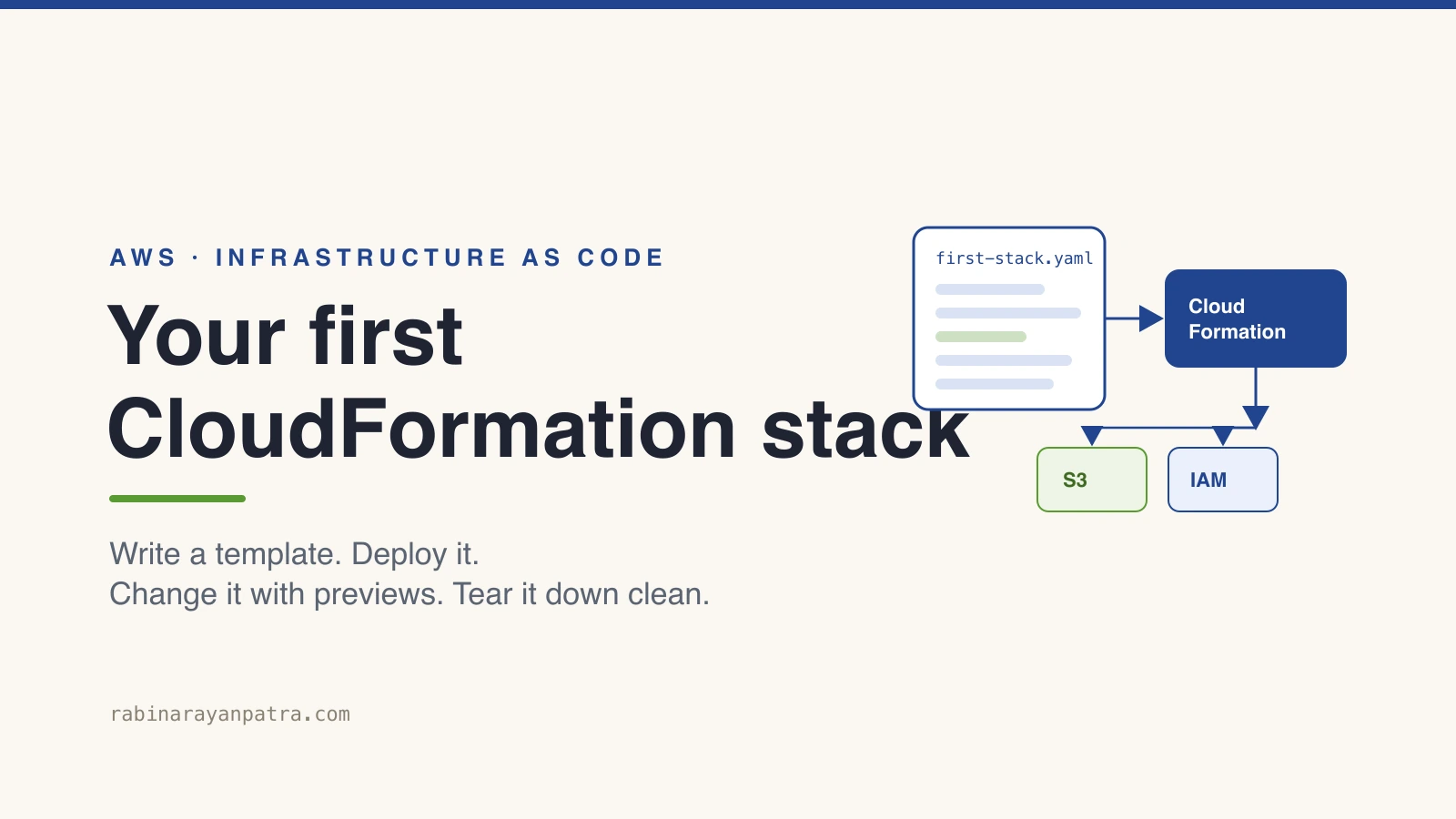

The first time someone asks you to spin up an AWS environment, you click through the console and it works. Then they ask you to do it again in another region, and you realize you can't remember half the settings you picked. That's the moment AWS CloudFormation earns its place.
CloudFormation is how you describe your infrastructure as code and let AWS build it the same way every time. In this guide I'll walk you through how to create your first CloudFormation stack from scratch: what a template looks like, how to deploy it with the CLI, how to change it safely, and how to tear it down without leaving orphaned resources behind. By the end you'll have a working stack and a mental model you can build on.
What is AWS CloudFormation?
AWS CloudFormation is a service that turns a template describing your AWS resources into a running set of infrastructure called a stack. You write what you want in YAML or JSON, hand it to CloudFormation, and it figures out the order to create everything and wires up the dependencies for you.
A stack is the unit you manage. Every resource the template defines belongs to that one stack, so when you update or delete the stack, CloudFormation handles the whole group together. That single boundary is the reason this beats clicking around the console: there's one source of truth, and it lives in a file you can commit to git.
I lean on this most when an environment has to exist more than once. The same template builds dev, staging, and production, so a setting can't quietly drift between them. If you've felt the pain of a database that works on one box but not another, the same logic that drove me to write about SSH tunnels for local database access applies here: make the setup reproducible instead of remembered.
Why use CloudFormation instead of the AWS Console?
You use CloudFormation because the console can't give you repeatability, review, or a clean undo. Clicking through forms is fine for a one-off experiment, but it leaves no record of what you did and no safe way to repeat it.
Here's what you get once the infrastructure lives in a template:
- Repeatable builds. The same template produces the same resources in any account or region. No more half-remembered checkboxes.
- Version control. The template is a file, so every change goes through git, code review, and history. You can see who changed what and when.
- Safe changes. CloudFormation shows you a preview of what will change before it touches anything, which I'll cover with change sets below.
- Clean teardown. Delete the stack and the resources go with it. No hunting for that one security group you forgot.
The trade is that you write a bit of YAML up front. For anything you'll run more than once, that trade pays for itself fast.
What goes into a CloudFormation template?
A CloudFormation template has a handful of top-level sections, and only one of them is required. The whole thing is a description of the resources you want and the values that feed them.
These are the sections you'll use early on:
- AWSTemplateFormatVersion sets the template language version. It's optional and the value is always
2010-09-09. - Description is a short string explaining what the stack does. Optional but worth filling in.
- Parameters are inputs you pass at deploy time, like a bucket name or an instance size, so one template can serve many environments.
- Resources is the only required section. It lists the AWS resources to create, each with a type and properties.
- Outputs are values you want back after the stack builds, like a bucket ARN or an endpoint URL, which other stacks or your scripts can read.
Two small pieces of syntax show up everywhere. !Ref pulls in the value of a parameter or another resource, and !GetAtt reads an attribute off a resource, like an ARN. Once those two click, most templates read cleanly.
How do you create your first CloudFormation stack?
You create your first CloudFormation stack by writing a template file, then deploying it with the AWS CLI or the console. Start with one small resource so you can see the whole loop without much risk. An S3 bucket is the classic first stack.
Save this as first-stack.yaml:
AWSTemplateFormatVersion: '2010-09-09'
Description: My first CloudFormation stack, a single S3 bucket

Parameters:
  BucketName:
    Type: String
    Description: A globally unique bucket name

Resources:
  MyFirstBucket:
    Type: AWS::S3::Bucket
    Properties:
      BucketName: !Ref BucketName
      VersioningConfiguration:
        Status: Enabled

Outputs:
  BucketArn:
    Description: ARN of the created bucket
Value: !GetAtt MyFirstBucket.ArnThat template takes a bucket name as a parameter, creates a versioned S3 bucket, and hands back the bucket's ARN as an output. Deploy it with the deploy command, which creates the stack if it's new and updates it if it already exists:
aws cloudformation deploy \
  --template-file first-stack.yaml \
  --stack-name my-first-stack \
--parameter-overrides BucketName=rabi-cfn-demo-20260909CloudFormation reads the template, creates the bucket, and moves the stack through CREATE_IN_PROGRESS to CREATE_COMPLETE. You can watch it in the console under CloudFormation, or pull the outputs from the CLI once it finishes:
aws cloudformation describe-stacks \
  --stack-name my-first-stack \
--query "Stacks[0].Outputs"If you'd rather be explicit about creating versus updating, aws cloudformation create-stack and update-stack are the lower-level commands. I reach for deploy day to day because it handles both and is harder to misuse. The bucket you just made is the same kind of resource I dug into in the Amazon S3 Files deep dive, now created in a few lines of YAML.
How do you update a stack with change sets?
You update a stack safely by creating a change set, which is a preview of exactly what CloudFormation will add, modify, or remove before it does anything. This is the step that turns a scary production change into a boring one.
Say you want to block public access on the bucket. Add the property to the template:
Properties:
  BucketName: !Ref BucketName
  VersioningConfiguration:
    Status: Enabled
  PublicAccessBlockConfiguration:
    BlockPublicAcls: true
    BlockPublicPolicy: true
    IgnorePublicAcls: true
RestrictPublicBuckets: trueNow create a change set instead of deploying straight away:
aws cloudformation create-change-set \
  --stack-name my-first-stack \
  --change-set-name block-public-access \
  --template-body file://first-stack.yaml \
  --parameters ParameterKey=BucketName,UsePreviousValue=true

aws cloudformation describe-change-set \
  --stack-name my-first-stack \
  --change-set-name block-public-access \
--query "Changes[].ResourceChange.{Action:Action,Resource:LogicalResourceId}"The describe call tells you whether CloudFormation will modify the bucket in place or replace it. Replacement matters, because some property changes force a brand-new resource and can drop data. When the preview looks right, execute it:
aws cloudformation execute-change-set \
  --stack-name my-first-stack \
--change-set-name block-public-accessI treat replacement warnings the way I treat a database migration plan: read them before you run them. Knowing a change is destructive ahead of time is the entire point of the preview.
How do you delete a stack and avoid orphaned resources?
You delete a stack with one command, and you protect any resource that holds data with a DeletionPolicy first. Deleting the stack removes everything it created, which is the clean teardown you came for, but it also means a careless delete can wipe a bucket full of files.
To keep the bucket even after the stack is gone, set its policy to Retain:
Resources:
  MyFirstBucket:
    Type: AWS::S3::Bucket
    DeletionPolicy: Retain
    Properties:
BucketName: !Ref BucketNameThen deleting the stack leaves the bucket in your account while removing the rest:
aws cloudformation delete-stack --stack-name my-first-stackFor a throwaway demo bucket you can skip the retain policy and let it go, as long as the bucket is empty. S3 will not delete a bucket that still has objects in it, which trips up a lot of first deletes. Empty the bucket, then delete the stack, and the teardown completes cleanly.
What are common CloudFormation errors and how do you fix them?
The errors you hit first are almost always one of three things: a rollback state, a missing IAM acknowledgement, or drift. Each has a quick fix once you know the pattern.
ROLLBACK_COMPLETE on a brand-new stack. If a stack fails on its first create, it lands in ROLLBACK_COMPLETE and you cannot update it. You have to delete it and create it again, because there's nothing successfully built to update. Read the failure reason in the events tab first, fix the template, then redeploy.
InsufficientCapabilities for IAM resources. When a template creates IAM roles or policies, CloudFormation makes you acknowledge it with a capabilities flag. Add --capabilities CAPABILITY_NAMED_IAM to the deploy command and the error goes away. It's a guard against a template quietly granting permissions you didn't notice.
Drift after someone edits in the console. If a teammate changes a resource by hand, the live state no longer matches the template. Run drift detection to find out:
aws cloudformation detect-stack-drift --stack-name my-first-stackThen re-deploy the template to pull the resource back to its declared state. The fix for drift is cultural as much as technical: once a stack owns a resource, change it through the template, not the console.
Where should you go after your first stack?
Once your first stack works, the next step is to stop treating templates as throwaway and start composing them, and AWS has added real tooling for that in 2026. You now have the core loop down: write, preview, deploy, delete. Everything else builds on it.
A few directions worth exploring. Nested stacks let you break one giant template into reusable pieces. The CloudFormation IaC generator can scan resources you already created by hand and write a template from them, which is the fastest way to bring click-ops infrastructure under control. Stack refactoring, which went generally available in February 2025, lets you move resources between stacks without deleting and recreating them, so a monolith template can be split as it grows. And the newer Fn::GetStackOutput function, released in May 2026, reads an output from another stack across accounts and regions without the old Systems Manager workarounds.
My advice: keep your stacks small and single-purpose from the start. The teams that struggle with CloudFormation are the ones that built one 2,000-line template and now can't change anything safely. Start with the boring one-bucket stack, get comfortable with change sets, and grow from there.
For the official reference, see the AWS CloudFormation User Guide, the template anatomy documentation, and the stack refactoring announcement.
Keep Reading
- What Is Infrastructure as Code? A Beginner's Guide for 2026. The concept this stack puts into practice, plus the wider tool picture.
- Amazon S3 Files: AWS Just Turned Object Storage Into a File System. A deeper look at the S3 service your first stack just provisioned.
- How to Set Up an SSH Tunnel for Local Database Access. Another practical AWS-adjacent setup that rewards doing it reproducibly.
- How to Migrate from Ingress NGINX After Kubernetes Retired It. A migration story that shows why infrastructure as code makes big changes survivable.