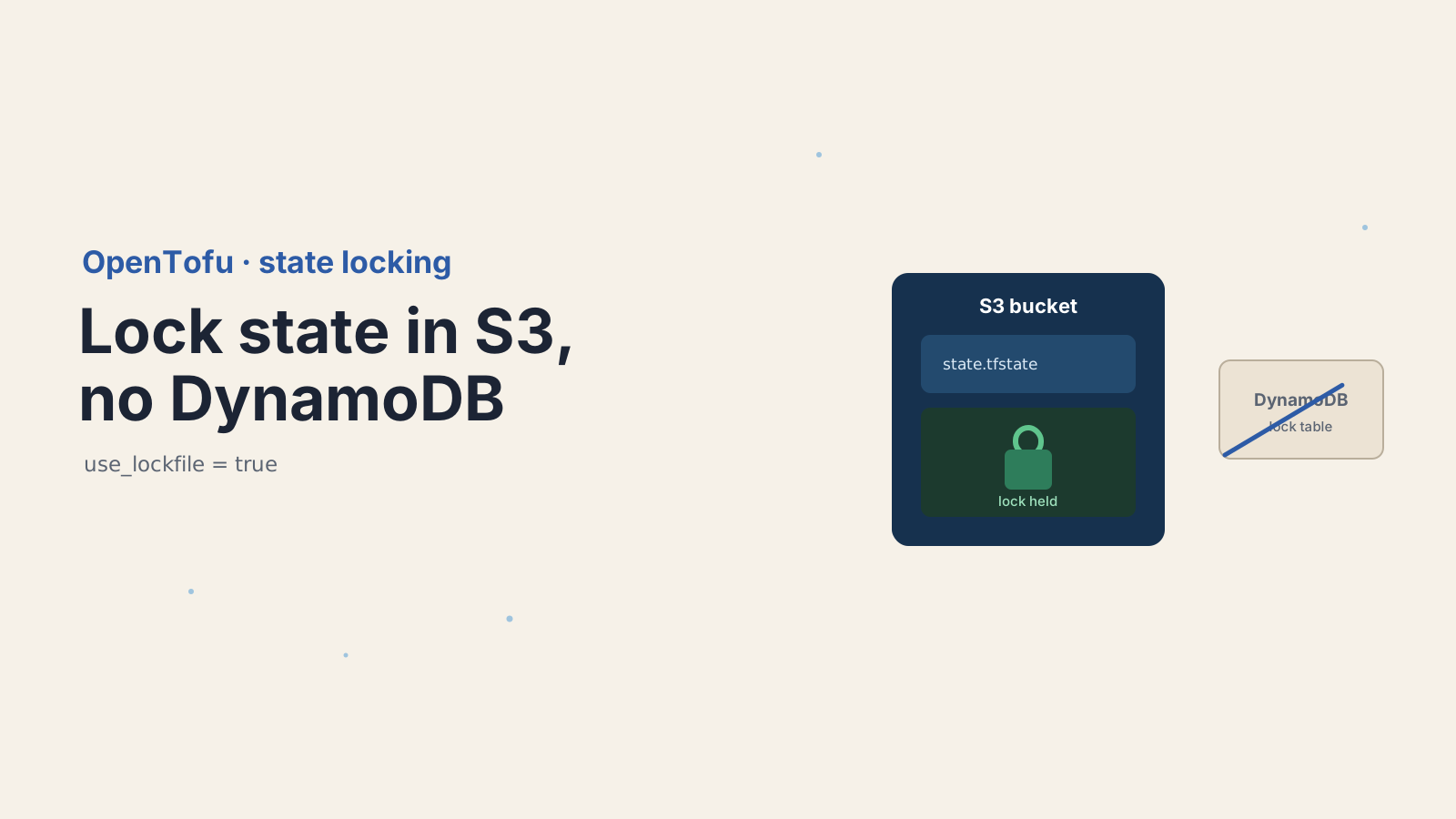

Every Terraform and OpenTofu tutorial taught the same ritual: put your state in an S3 bucket, then stand up a DynamoDB table whose only job is to hold a lock. Two services, two sets of IAM permissions, one more thing to forget when you tear an environment down. I have lost count of the orphaned *-tflock DynamoDB tables I have found lying around old AWS accounts.
OpenTofu 1.10 killed that requirement. With use_lockfile = true, your S3 bucket locks the state by itself, using S3's own conditional writes. No DynamoDB. The current release as of this writing is 1.12.2, and the feature has been stable since 1.10 landed in 2025.
Here's how S3 native locking works, the smaller IAM policy it needs, and how to migrate an existing project off its DynamoDB lock table without a risky window.
What is S3 native state locking in OpenTofu?
S3 native state locking is a backend feature, enabled with use_lockfile = true, that uses S3 conditional writes to lock your state instead of a DynamoDB table. It shipped in OpenTofu 1.10 and means a single S3 bucket can handle both storing the state and locking it.
The mechanics are simple. When OpenTofu starts an operation that could write state, it tries to create a small lock object in the same bucket as your state file. If that object already exists, someone else holds the lock and OpenTofu refuses to proceed. When the operation finishes, OpenTofu deletes the lock object. The whole thing rides on a capability S3 gained in 2024: conditional writes, which let you say "create this object only if it does not already exist."
That last part is what makes it safe. Before conditional writes, two machines could both check for a lock, both see nothing, and both write, which is a classic race. Conditional writes turn the check and the write into one atomic operation that only one writer can win.
How do you enable use_lockfile in the S3 backend?
Add use_lockfile = true to your S3 backend block. That is the entire change for a new project.
terraform {
  backend "s3" {
    bucket       = "my-tofu-state"
    key          = "prod/terraform.tfstate"
    region       = "us-east-1"
    use_lockfile = true
  }
}Run tofu init, and from then on every plan and apply locks through S3. There is no DynamoDB table to create, no dynamodb_table line, and no second resource to manage. OpenTofu reads the terraform block for compatibility, so this is copy-paste safe whether your team still says "terraform" out of habit or has switched to the tofu block.
The IAM policy gets smaller too, because the lock lives in the same bucket as the state. You need bucket listing plus object read, write, and delete on the state path, and nothing else:
{
  "Version": "2012-10-17",
  "Statement": [
    {
      "Effect": "Allow",
      "Action": ["s3:ListBucket"],
      "Resource": "arn:aws:s3:::my-tofu-state"
    },
    {
      "Effect": "Allow",
      "Action": ["s3:GetObject", "s3:PutObject", "s3:DeleteObject"],
      "Resource": "arn:aws:s3:::my-tofu-state/prod/*"
    }
  ]
}Notice what is missing: no dynamodb:GetItem, dynamodb:PutItem, or dynamodb:DeleteItem. If you are writing a fresh policy, you skip the DynamoDB statement entirely.
How does S3 conditional-write locking actually work?
OpenTofu acquires the lock by writing the lock object with a conditional If-None-Match: * header, which tells S3 to accept the write only if no object with that key exists yet. The first writer wins, and every other writer gets a precondition failure and backs off.
Walk through two engineers running tofu apply against the same state at the same moment. Both try to create the lock object. S3 processes one of the two conditional writes first and stores it, returning success. The second write arrives, S3 sees the object now exists, and it rejects the write with a 412 Precondition Failed. OpenTofu reads that as "the lock is taken" and stops with a lock error rather than stomping on the other run. When the winner finishes, it deletes the lock object, and the next run can claim it.
This is the same guarantee DynamoDB gave through conditional item writes, just provided by S3 itself. The lock object carries the same metadata you have seen in lock errors before: a lock ID, who holds it, and when it was created. If you want those lock objects tagged for cost or lifecycle rules, the backend also accepts a lock_tags map.
How do you migrate from a DynamoDB lock table without downtime?
Turn on use_lockfile while leaving dynamodb_table in place, so OpenTofu locks with both mechanisms during the transition. This dual-locking window is the safe way to migrate a shared state that many people and pipelines touch.
The reason you cannot just swap the config in one commit is that your teammates and CI runners do not all upgrade at the same instant. If one runner locks with DynamoDB and another locks with S3, they are not aware of each other, and you have lost mutual exclusion. Dual-locking closes that gap: during the transition, OpenTofu takes both locks, so a run started with the old config and a run started with the new config still block each other.
Here is the transition config. Keep both lines until everyone has pulled it:
terraform {
  backend "s3" {
    bucket         = "my-tofu-state"
    key            = "prod/terraform.tfstate"
    region         = "us-east-1"
    use_lockfile   = true
    dynamodb_table = "tofu-locks"   # remove only after every runner has this config
  }
}Run tofu init -reconfigure so the backend picks up the change. Let it ride for a release cycle, long enough that every laptop and pipeline has the dual-lock config. Then remove the dynamodb_table line, run tofu init -reconfigure again, confirm a plan locks cleanly, and only now delete the DynamoDB table and trim the dynamodb:* grants from your IAM policy. Deleting the table first is the one ordering mistake that bites people, so do it last.
When should you still use a DynamoDB lock table?
Keep DynamoDB locking when your object store is not real AWS S3 and does not support conditional writes. OpenTofu deliberately kept dynamodb_table working and has said it has no plans to deprecate either mechanism, because the S3-compatible storage world is uneven.
Some MinIO, Ceph, or older third-party S3-compatible endpoints do not implement conditional writes correctly, and on those, use_lockfile cannot give you a real lock. If your backend points at one of those, stay on DynamoDB, or test conditional writes carefully before trusting them. The same caution applies if you share a single state file across both OpenTofu and classic Terraform tooling and cannot guarantee every tool understands the lock object. For plain AWS S3, though, native locking is the simpler default, and DynamoDB is the fallback rather than the standard.
How do you clear a stuck OpenTofu lock?
Use tofu force-unlock <LOCK_ID> with the lock ID from the error message, and only when you are certain no operation is still running. A crashed apply or a killed CI job can leave the lock object behind, since OpenTofu never got to delete it.
tofu force-unlock 1a2b3c4d-5e6f-7890-abcd-ef1234567890OpenTofu prints that lock ID in the error when a run cannot acquire the lock, so you rarely have to go hunting. The command requires the exact ID on purpose, as a guard against unlocking the wrong thing. With native locking, force-unlock simply deletes the lock object from the bucket, so if you ever need to, you can confirm the lock is gone by checking for that object in S3 directly. Treat it as a last resort, because forcing the lock while a real operation is mid-write is how state corruption starts.
Why is dropping the DynamoDB lock table worth it?
The quiet win here is not that locking got faster. It is that an entire AWS service dropped off your architecture diagram. State storage and state locking now live in one bucket, behind one IAM policy, with one thing to clean up when an environment dies. That is the kind of simplification that pays off every time a new engineer tries to understand how your remote state is wired.
If you are starting a new OpenTofu project on AWS, reach for use_lockfile first and only add DynamoDB if a non-S3 backend forces your hand. The conditional-write primitive that makes this work is the same one quietly showing up across storage-backed tools, and it is worth understanding once, because you will see it again.
For the full details, see the OpenTofu S3 backend documentation, the OpenTofu 1.10 release notes, the S3 conditional-writes locking RFC, and the OpenTofu state locking guide.
Keep Reading
- What Is Infrastructure as Code? A Beginner's Guide for 2026. The bigger picture that state files and locking fit into.
- How to Create Your First AWS CloudFormation Stack (2026). How the other major IaC tool manages state, for contrast.
- How to Deploy One CloudFormation Template to Dev, Staging, and Prod. More on managing infrastructure cleanly across environments.