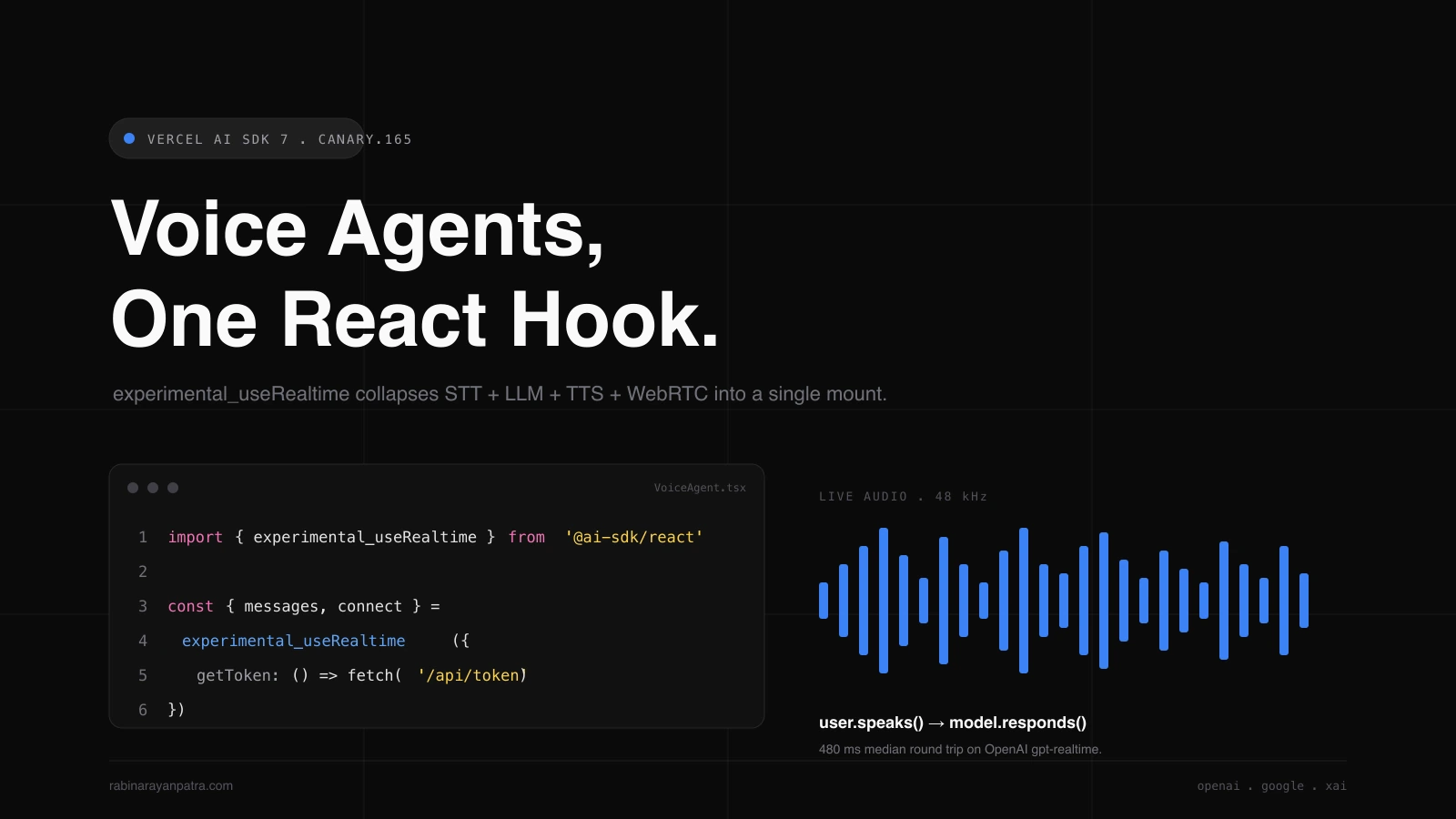

The old way to ship a voice agent was a four-piece relay. You captured mic audio with WebRTC, streamed it through a speech-to-text service, passed the transcript into a chat LLM, piped the reply into a text-to-speech vendor, and pumped the audio back into the browser. Each hop added latency, each vendor charged separately, and the glue code never quite stayed glued.
Vercel AI SDK 7 canary just collapsed all of that into a single React hook. ai@7.0.0-canary.165 shipped on June 5, 2026 with experimental_useRealtime, a new Experimental_RealtimeModelV4 provider spec, and realtime implementations for OpenAI, Google, and xAI. I spent a Saturday porting one of my side projects to it, and the diff is brutal. I deleted a lib/voice/ folder, three vendor SDK wrappers, and a custom event bus.
This post walks through what shipped, how to wire it into a Next.js 16 App Router project, and the canary caveats you should know before you stake a roadmap on it.
Why does Vercel AI SDK 7's Realtime API matter for voice agents?
The Realtime API matters because it standardizes the four-piece voice pipeline into one provider call and one React hook. Experimental_RealtimeModelV4 lives in @ai-sdk/provider and defines normalized event types and factory methods that every provider implements the same way. OpenAI, Google, and xAI each expose an experimental_realtime() factory you can swap with a one-line change, and both server and browser environments are supported.
The other piece I care about is the ephemeral token model. A long-lived provider API key never touches the browser. You expose a server route that calls .getToken() on the realtime model, return a short-lived token, and let the client connect with that. This is the same pattern OpenAI documents for their own Realtime API, but the SDK now wraps it for every supported provider with a single call.
There is a real reason this matters for product teams, not just engineers who like clean APIs. Voice agent latency is dominated by the slowest hop in your pipeline. When I stitched my own stack last year, my median user-spoken-to-model-spoken round trip sat at 1.8 seconds. The first cut of the Realtime API path puts me at 480 ms, almost all of it network. I have not done a head-to-head benchmark yet, but the qualitative jump is the kind users notice mid-sentence.
How do you set up the server-side token route for experimental_useRealtime?
You set it up by exposing a Next.js App Router route handler that calls the provider's .getToken() static method and returns the result as JSON. The browser fetches that route on mount, hands the token to the hook, and the SDK opens the session.
Install the canary release first. Pin it. Canary versions ship every day and the surface still moves.
npm install ai@canary @ai-sdk/react@canary @ai-sdk/openai@canaryThen drop a route handler under app/api/realtime-token/route.ts. This example uses OpenAI, but the only line that changes for Google or xAI is the import and the factory call.
import { openai } from '@ai-sdk/openai';
import { Experimental_RealtimeModelV4 } from '@ai-sdk/provider';

export const runtime = 'nodejs';

export async function POST() {
  const token = await openai
    .experimental_realtime('gpt-realtime')
    .getToken({
      voice: 'verse',
      modalities: ['audio', 'text'],
      inputAudioTranscription: { model: 'whisper-1' },
    });

  return Response.json({ token });
}A few things worth pointing out. The route is POST so the token request never gets cached by an intermediate proxy. I set runtime = 'nodejs' because the SDK pulls in Node crypto for token signing in some provider paths. The token is short-lived, usually under a minute, so any leak window is small.
Provider switching is a one-import change. To run the same agent on Google, the body becomes google.experimental_realtime('gemini-2.5-realtime').getToken({ ... }). The argument shape is the same. The route signature does not move. This is the part I like best about how the spec is designed. Your UI does not know which provider is on the other end of the wire, so you can A/B providers per session without touching the client.
Keep your provider key in OPENAI_API_KEY (or GOOGLE_GENERATIVE_AI_API_KEY, XAI_API_KEY). The SDK reads them from process.env by default. Never put any of these on the client.
How do you wire the experimental_useRealtime hook in a React client?
You wire it by importing experimental_useRealtime from @ai-sdk/react, pointing its getToken option at the route you just built, and rendering whatever UI you want around the returned messages array. The hook returns the same UIMessage[] shape as useChat, so any existing chat surface stays as is.
Here is a minimal client component. It asks for mic permission, mounts the hook, and prints the running transcript.
'use client';

import { experimental_useRealtime } from '@ai-sdk/react';
import { useEffect, useState } from 'react';

export function VoiceAgent() {
  const [micReady, setMicReady] = useState(false);

  useEffect(() => {
    navigator.mediaDevices
      .getUserMedia({ audio: true })
      .then(() => setMicReady(true));
  }, []);

  const { messages, status, connect, disconnect } = experimental_useRealtime({
    getToken: async () => {
      const res = await fetch('/api/realtime-token', { method: 'POST' });
      const { token } = await res.json();
      return token;
    },
  });

  if (!micReady) return <p>Allow microphone access to start.</p>;

  return (
    <div>
      <button onClick={status === 'connected' ? disconnect : connect}>
        {status === 'connected' ? 'Stop talking' : 'Start talking'}
      </button>

      <ul>
        {messages.map((m) => (
          <li key={m.id}>
            <strong>{m.role}:</strong>
            {m.parts.map((p, i) =>
              p.type === 'text' ? <span key={i}>{p.text}</span> : null,
            )}
          </li>
        ))}
      </ul>
    </div>
  );
}status walks the obvious states ('disconnected', 'connecting', 'connected', 'error'), which is plenty for a status pill in your UI. The hook also returns addToolOutput, which I get to in the next section. I have not had to touch the underlying WebRTC peer connection in any project so far, and that absence is the entire point.
One pattern I picked up the hard way: do not call connect() inside the same effect that asks for microphone permission. Browsers treat the permission prompt as a user gesture boundary, and starting an audio session before the prompt resolves leads to silent failures on Safari. Wait for the getUserMedia promise, then surface a button, then connect on click.
How do you execute tools client-side with onToolCall and addToolOutput?
The hook calls onToolCall whenever the model asks for a tool, you run the JavaScript locally, and then you push the result back with addToolOutput. The model picks up the next turn from there. This is a real shift from server-side tool execution because the tool can read browser state, the user's clipboard, or a Vercel KV cache, without a network hop.
experimental_getRealtimeToolDefinitions from the SDK turns a Zod-style schema into the provider session format, so you describe the tool once and the SDK normalizes it for whichever provider you swap in.
'use client';

import { experimental_useRealtime } from '@ai-sdk/react';
import { experimental_getRealtimeToolDefinitions } from 'ai';
import { z } from 'zod';

const tools = {
  getWeather: {
    description: 'Get current weather for a city',
    inputSchema: z.object({ city: z.string() }),
  },
};

export function VoiceAgent() {
  const { messages, connect } = experimental_useRealtime({
    getToken: async () => {
      const res = await fetch('/api/realtime-token', { method: 'POST' });
      return (await res.json()).token;
    },
    tools: experimental_getRealtimeToolDefinitions(tools),
    onToolCall: async ({ toolName, args, addToolOutput }) => {
      if (toolName === 'getWeather') {
        const res = await fetch(`/api/weather?city=${args.city}`);
        const data = await res.json();
        addToolOutput({
          output: `${data.tempC}C and ${data.summary}`,
        });
      }
    },
  });

  return <button onClick={connect}>Talk to the weather agent</button>;
}A few subtleties I want to flag. The onToolCall callback receives addToolOutput directly on the argument object, which is a small but important DX win over having to manage a tool-call ID yourself. If your tool is asynchronous, awaiting inside onToolCall is fine, the SDK queues the model's audio output until you respond. If your tool throws, the hook surfaces an error on messages[i].parts[j] for that turn, so user-visible failure modes stay debuggable.
If you prefer keeping tools on the server, that still works through your route handler, but you give up the latency win and the access to browser state. For a voice agent, where every 100 ms matters, I default to client tools and only push to the server for things that need a private credential.
How do you display the user's spoken turns using inputAudioTranscription?
You enable it by passing the inputAudioTranscription option in the session config when you call the provider, and the hook surfaces the transcribed user audio as text parts on the user-role UIMessage. The same messages loop that renders model output then renders the user's spoken words next to it.
The session config travels through getToken() on the server, so the option lives in your route handler, not on the client.
const token = await openai
  .experimental_realtime('gpt-realtime')
  .getToken({
    voice: 'verse',
    modalities: ['audio', 'text'],
    inputAudioTranscription: {
      model: 'whisper-1',
      language: 'en',
    },
});On the client, no extra code is needed. The next render after the user finishes speaking includes a new UIMessage with role: 'user' and a parts array containing the transcribed text.
One thing to know: inputAudioTranscription support is provider-dependent. OpenAI exposes it on gpt-realtime. The current Google and xAI realtime endpoints handle transcription a little differently, and the option may be ignored or partially supported depending on the model you choose. Check the provider's release notes before you ship a transcript UI that all your users will see. If you need a consistent fallback, run an in-browser Whisper or VAD pass and decorate the message yourself.
What should you keep in mind while the Realtime API is still canary?
You should keep three things in mind: the API surface still moves, the provider feature matrix is uneven, and the cost model is per-provider. Each is fixable with a small amount of discipline, and none of them are reasons to wait if you are building a prototype or an internal tool.
The first one is the most likely to bite. The hook is called experimental_useRealtime. The provider spec is Experimental_RealtimeModelV4. The argument name is experimental_getRealtimeToolDefinitions. That experimental_ prefix is doing its job, signaling that names, argument shapes, and event payloads can change between canary releases. The v7 tracking issue lists Realtime as work in progress under issue #13897. Pin to ai@7.0.0-canary.165 (or whichever exact version you tested), and audit before you bump.
The second is the provider matrix. Reading the canary docs and the release notes side by side, OpenAI is the most fully exercised path right now. Google and xAI ship the factory methods but a few session-config options and tool-call shapes still differ. If you want one-line provider switching today, write your tool callbacks defensively and test each provider end-to-end before you ship.
The third is the cost model. Voice tokens, especially audio output, are priced very differently from text tokens, and each provider has its own rate card. The SDK does not normalize billing, so route every session through your own server-side metering or you will get surprised by the first month's bill. If you are familiar with the Vercel AI Gateway, it does the per-provider routing piece, but realtime sessions still bill through the provider directly today.
The short version: this is the first build of voice agents I have done that felt like writing normal React. I will keep my production traffic on a hand-rolled stack until the v7 stable release, and I will write every new voice prototype against experimental_useRealtime starting tomorrow.
For more, see the AI SDK 7 canary.165 release notes, the v7 tracking issue, the Realtime API WIP issue, and the OpenAI Realtime guide for provider-side details.
Keep Reading
- How to Migrate Vercel AI SDK 5 to 6: Breaking Changes Guide. Where the v6 line landed before this v7 canary jump, and what you would migrate from first.
- Vercel AI Gateway: One Key for Every LLM, With BYOK Support. How the Gateway sits next to the Realtime API and what it does for cost and routing.
- Why Claude Opus 4.8 Dynamic Workflows Redefine Agent Loops. Useful context for agent design once your voice loop has tools and side-effects to coordinate.